Language: English
A free player for your smart TV. It turns your provider’s messy list into a tidy library with posters. No ads, no account.
- LG webOSSoon
- TizenSoon
- Android TVSoon
LG webOS 5 and up first, then Samsung and Android TV.
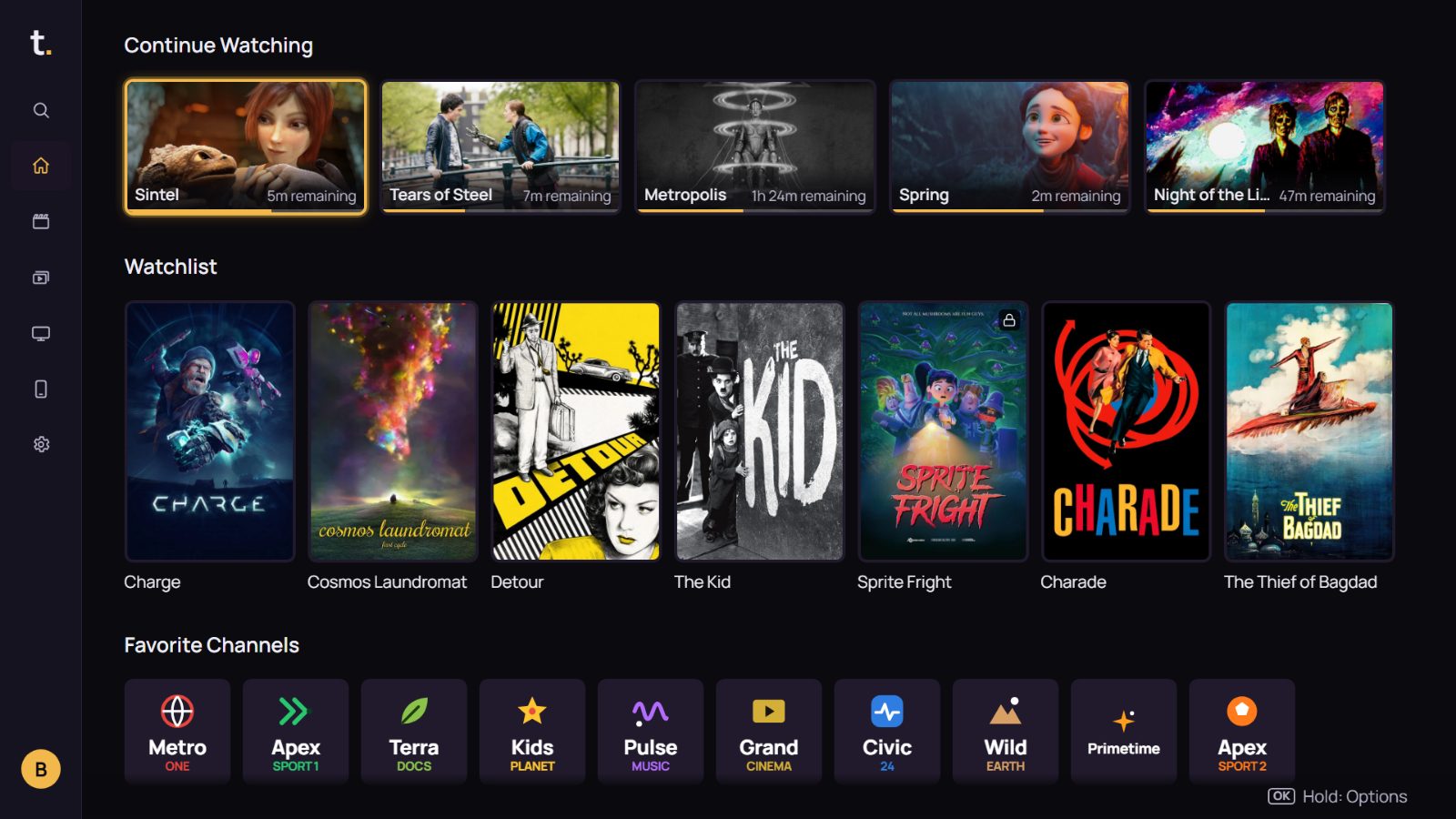
Tamam, a free player for smart TVs
One person, one dog, one TV.

I started writing Tamam in my own living room, fighting with my own list. It was thousands of lines: the same film three times, channels in meaningless groups. What I wanted was simple: see posters when I open it, move around easily with the remote, pick up where I left off.
Tamam does that. It doesn’t sell content or hand out lists; it plays yours. No ads, no account, no cookies. Your data stays on your TV.
It’s free and will stay free. If you like it you can buy me a coffee; that pays the bill for the server that fetches film information.
Tamam’s developer, and Nero
Tidies up.
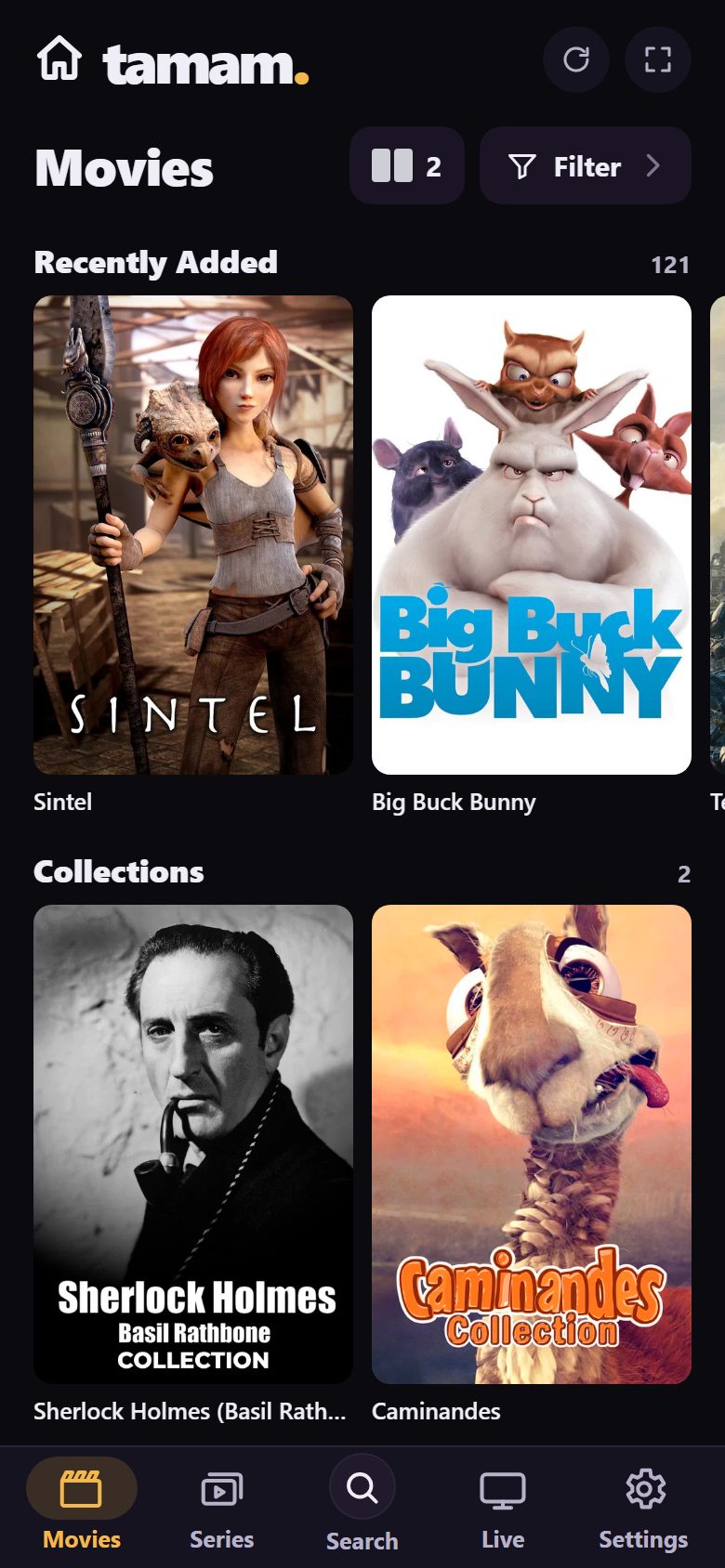
Your provider sends the same film under three names in three groups. Tamam sees it’s one film, splits tags like FHD and 4K off the title, and lines films up on shelves by genre.
This is how your provider sends the list. Hundreds of lines, each one a file. The same film turns up again and again, in different groups, under different names.
#EXTINF group-title="VOD | ALL MOVIES"
Sintel (2010) FHD
Big.Buck.Bunny.2008.HD
METROPOLIS 1927 HD
#EXTINF group-title="VOD | ANIMATION"
SINTEL 2010 [MULTI-SUB]
Cosmos Laundromat - First Cycle
Spring 2019 [SD]
#EXTINF group-title="VOD | CLASSICS B&W"
Metropolis (1927) 1080p
Detour (1945)
Sintel.2010.720p
His Girl Friday (1940) HD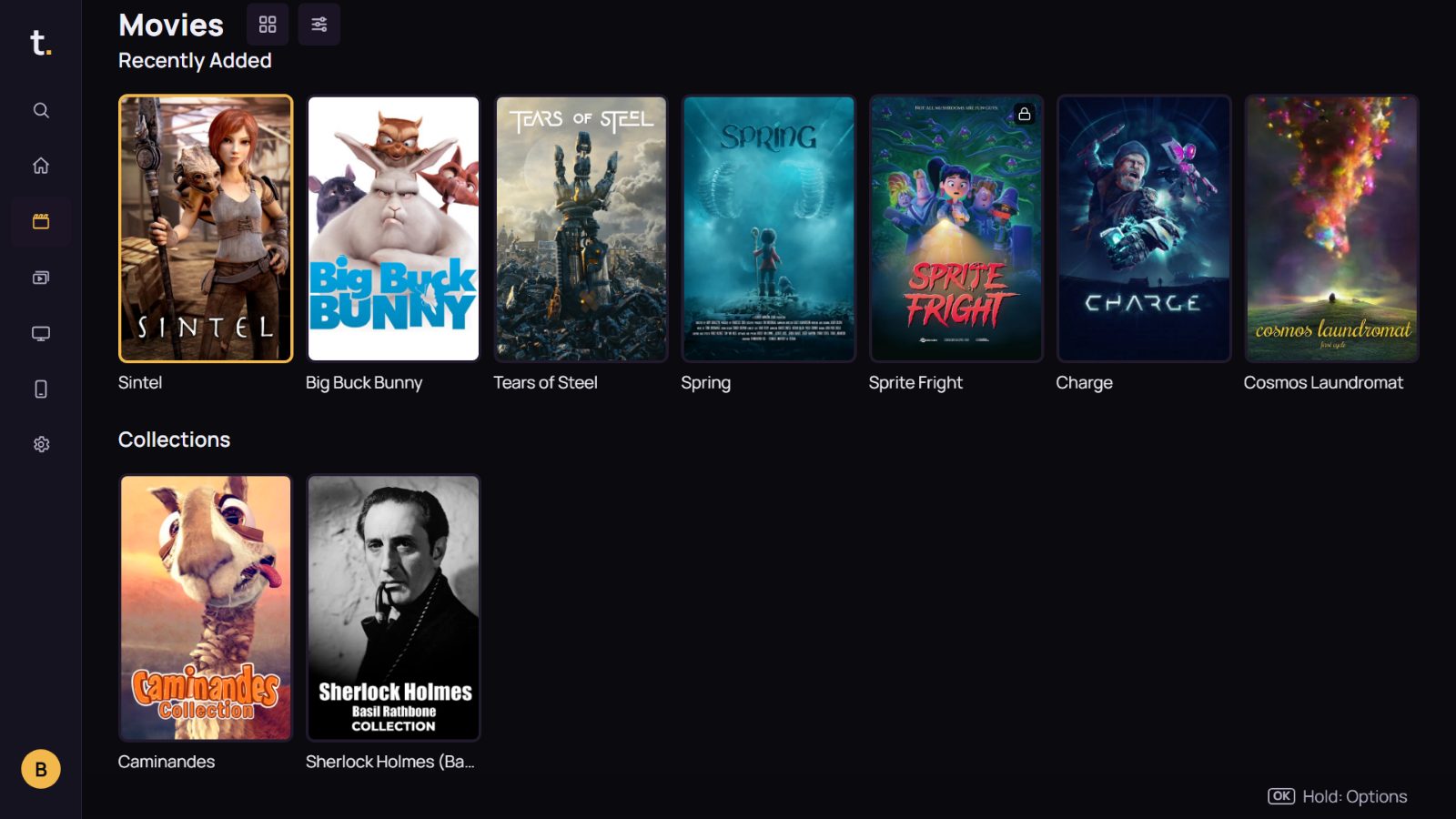
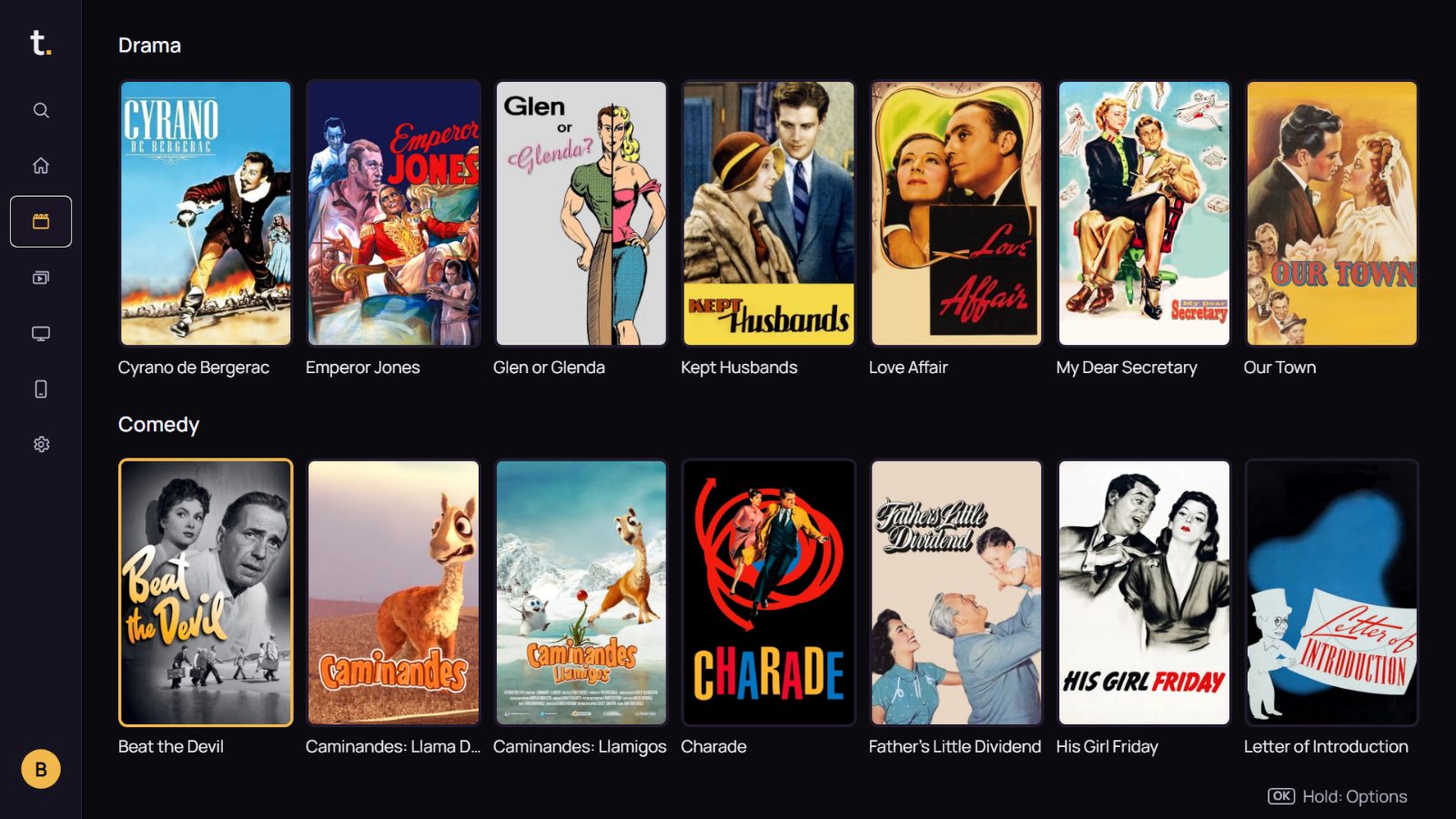
Tells.
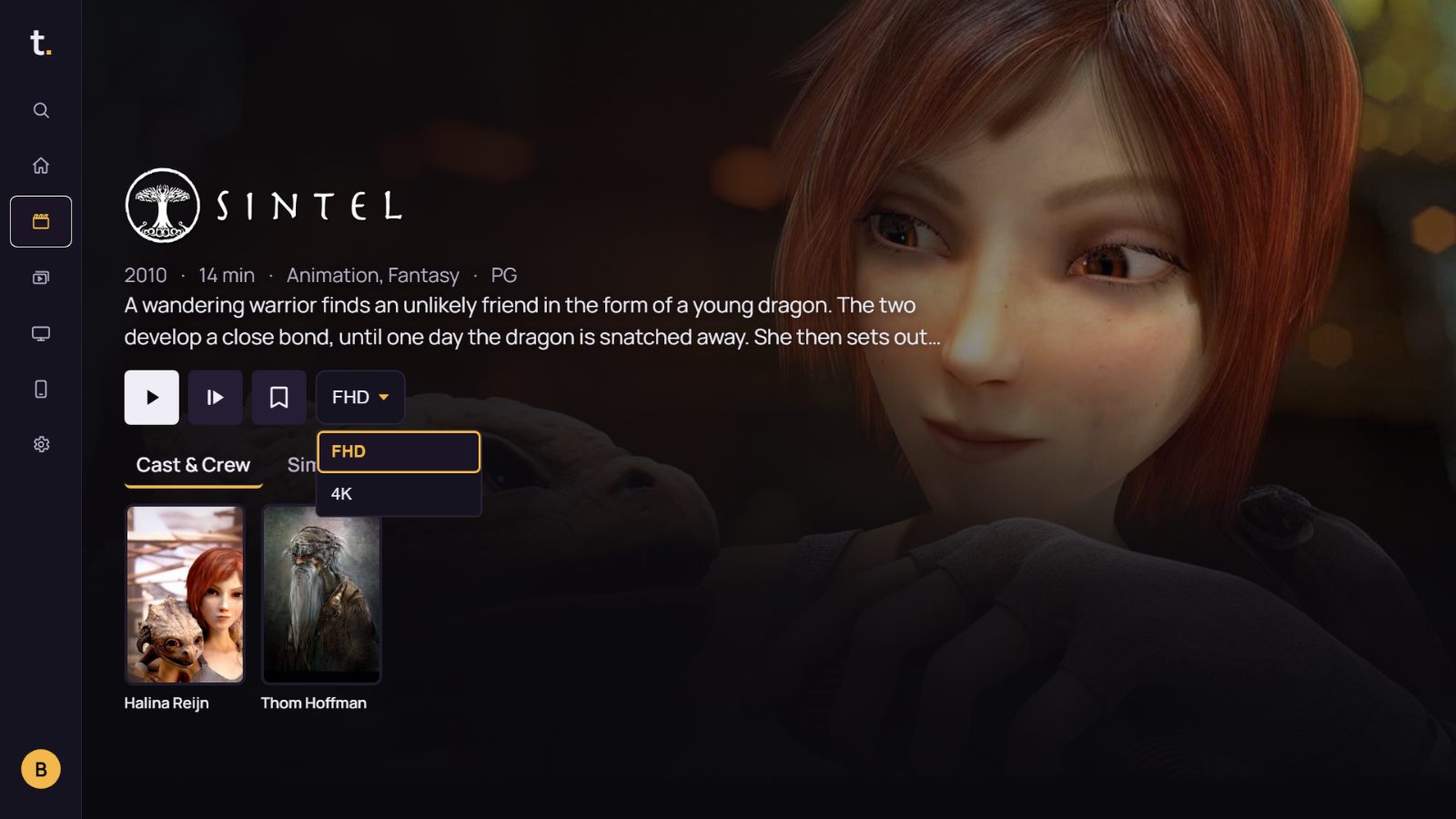
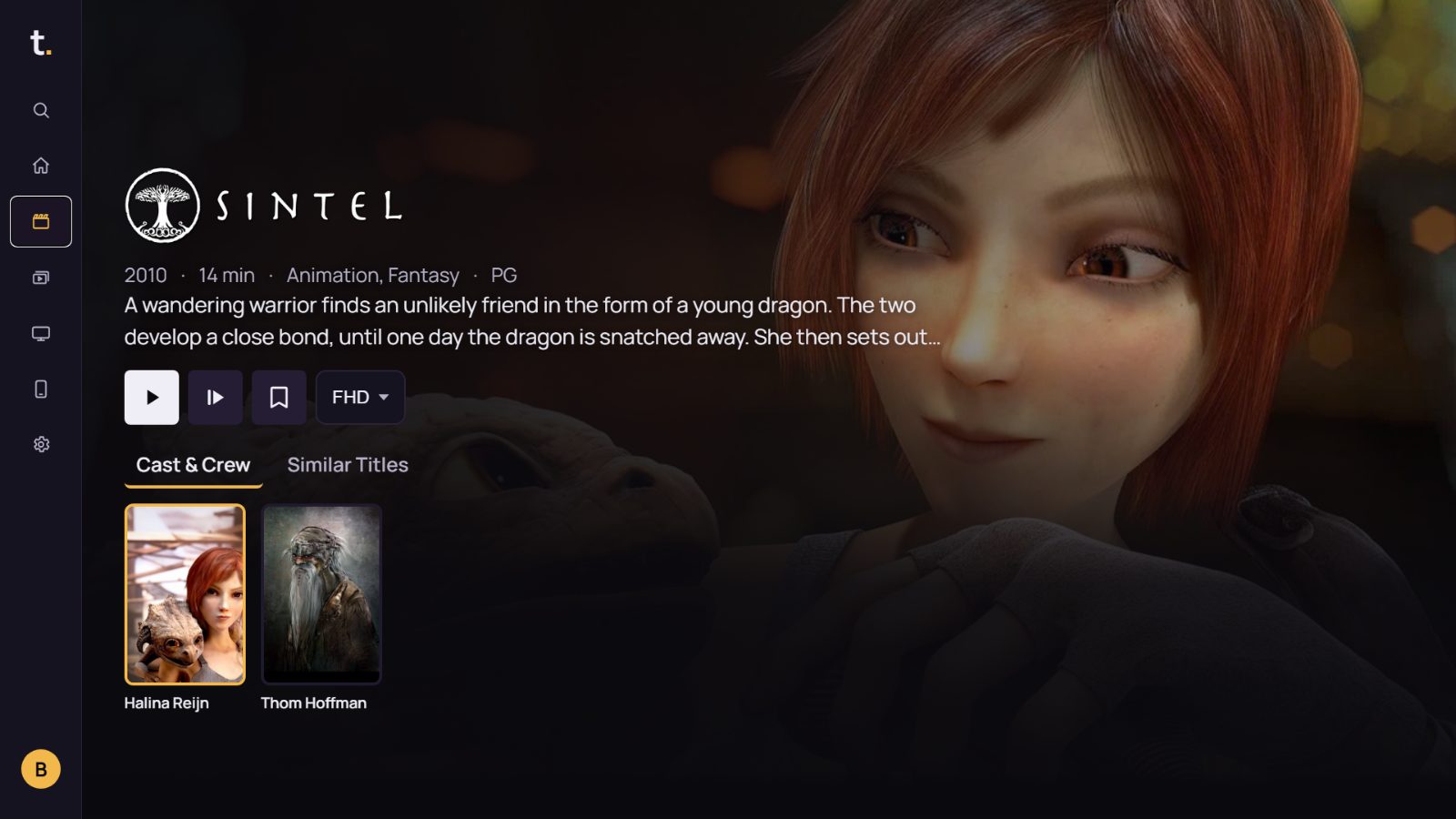
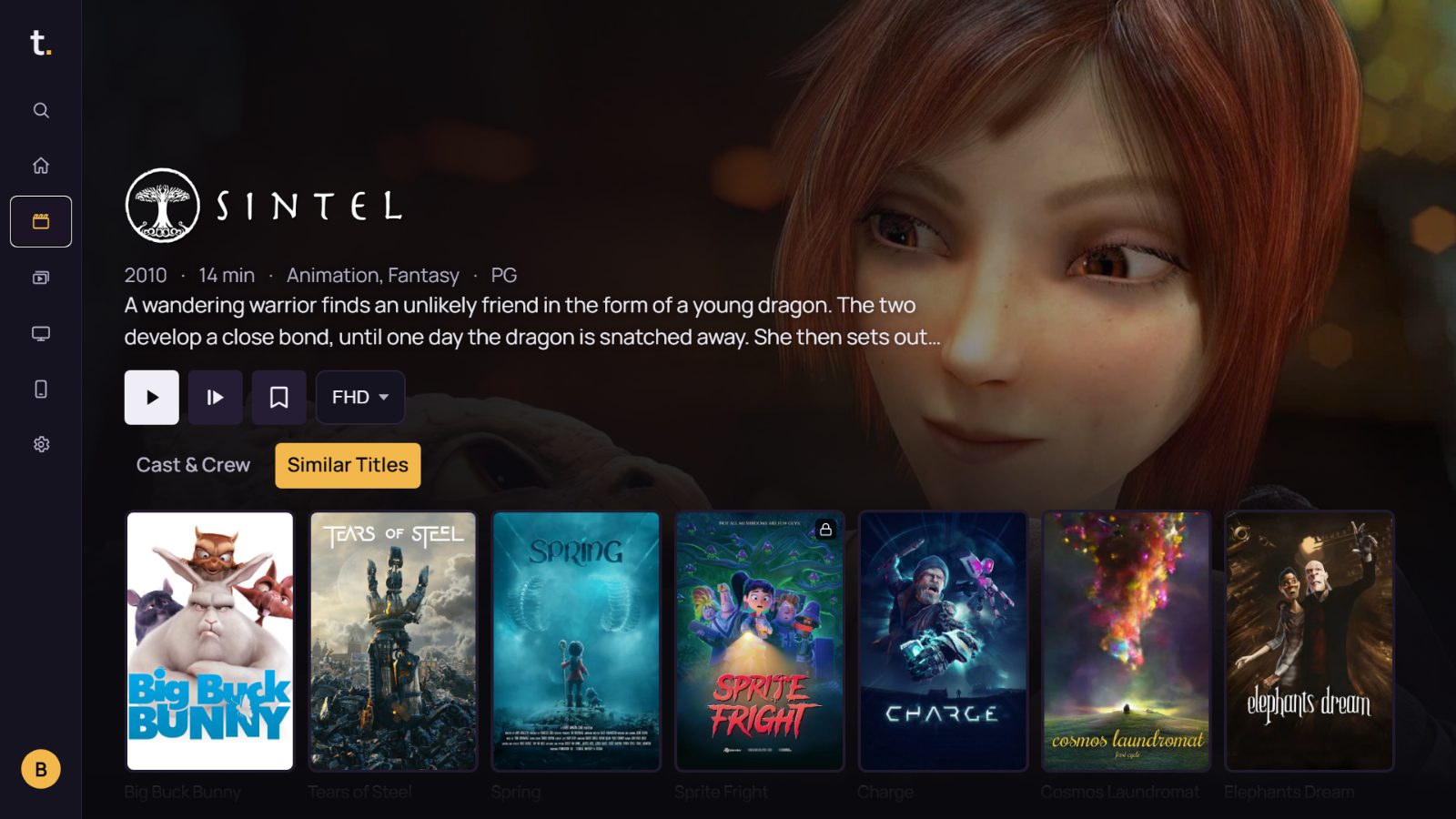
Pick a poster: the plot, runtime, age rating, the cast with photos, similar films from your own catalogue. Pick up where you left off with one key.
Everything at a glance. The film’s logo, a scene, its plot, runtime, genre and age rating; all in the interface language. Pick up where you left off with one key.
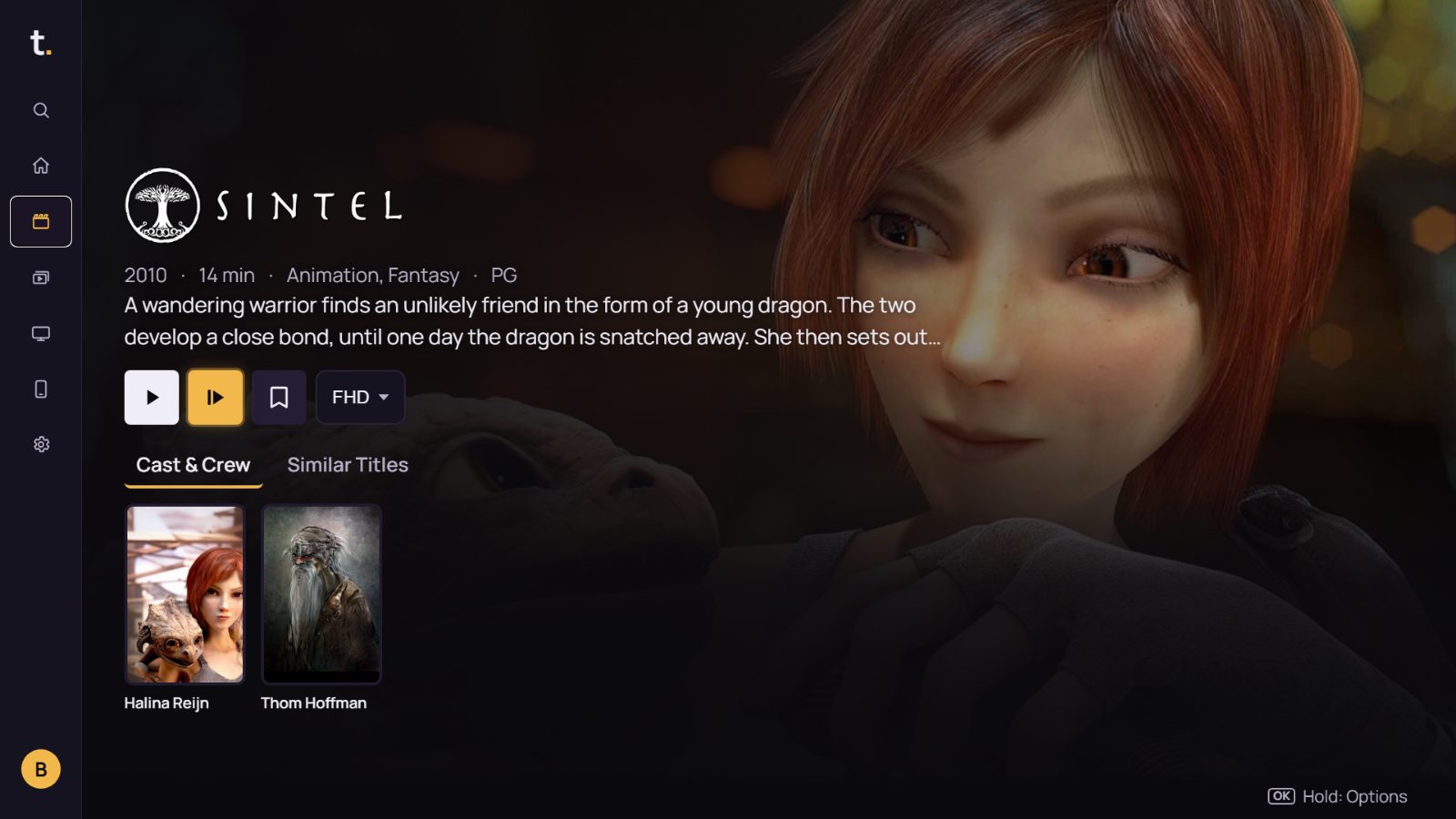
Finds.
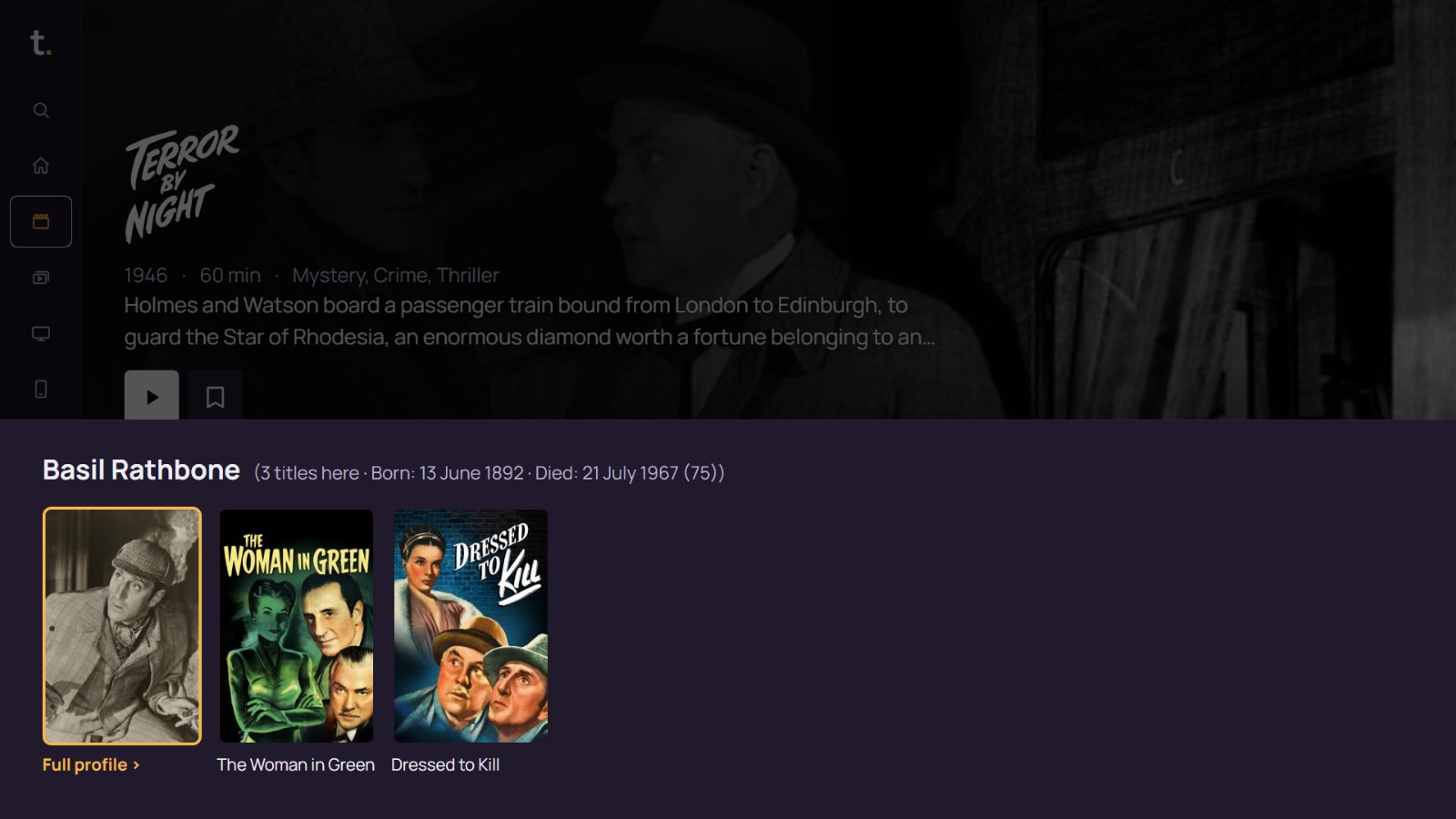
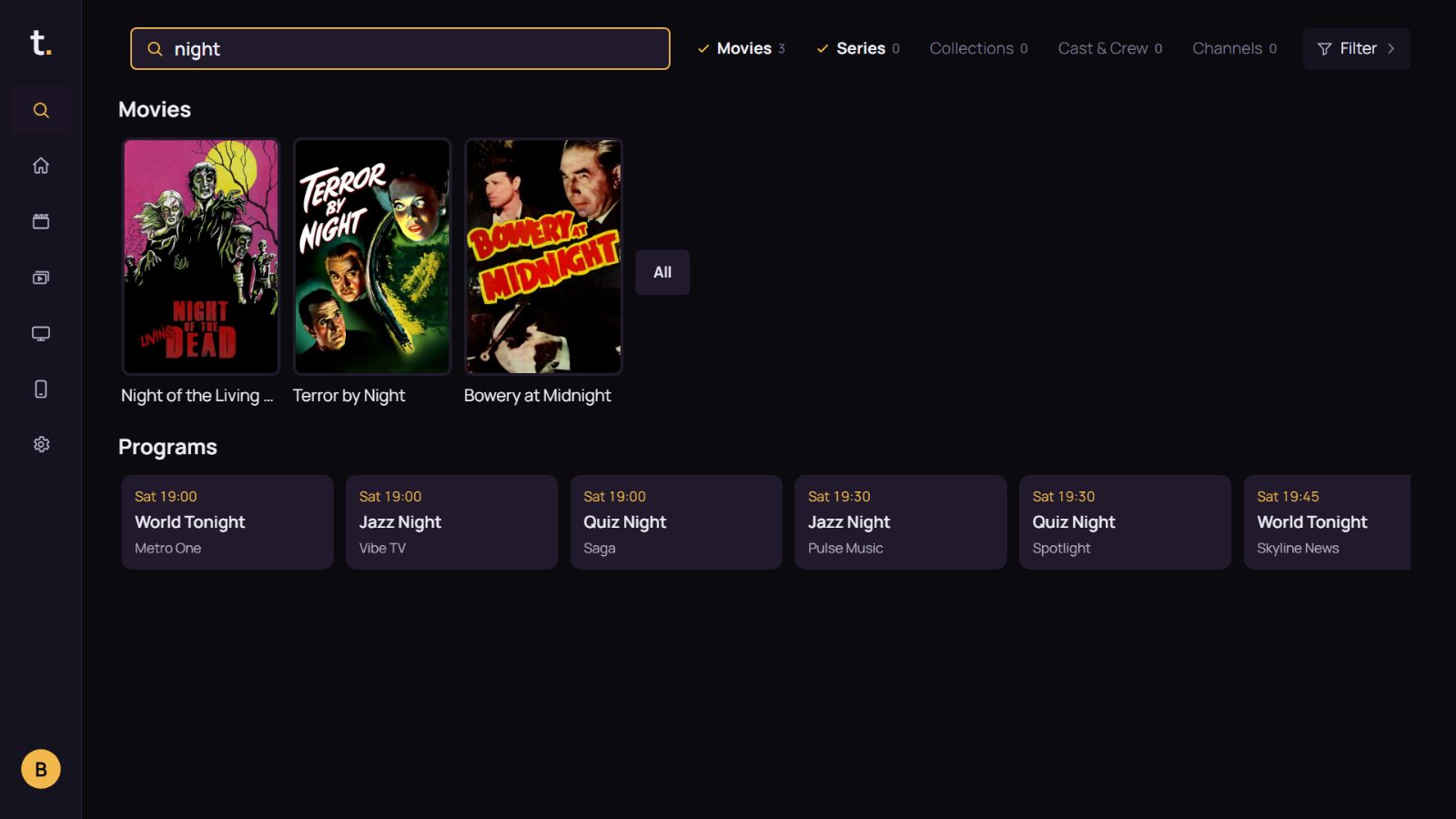
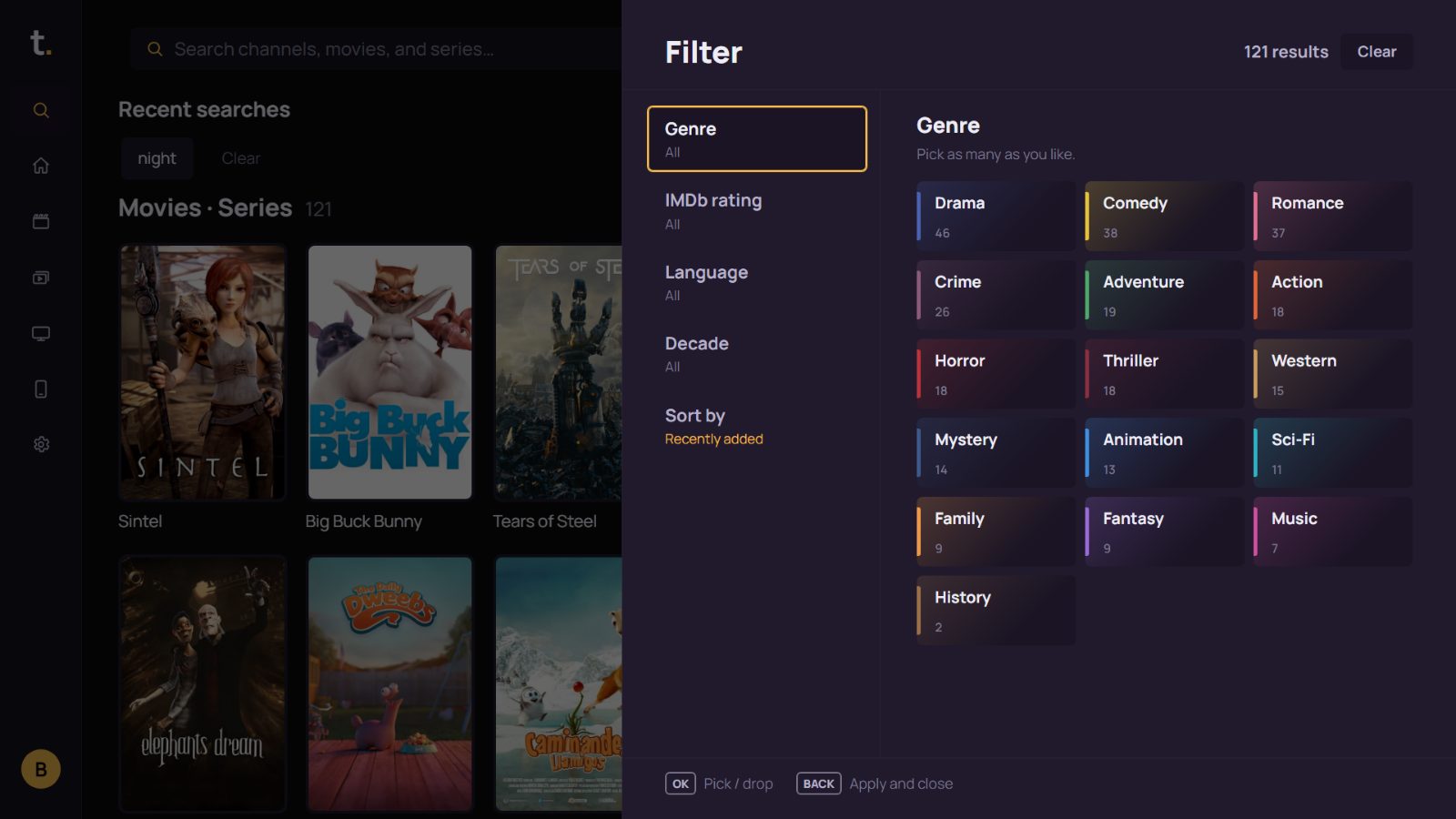
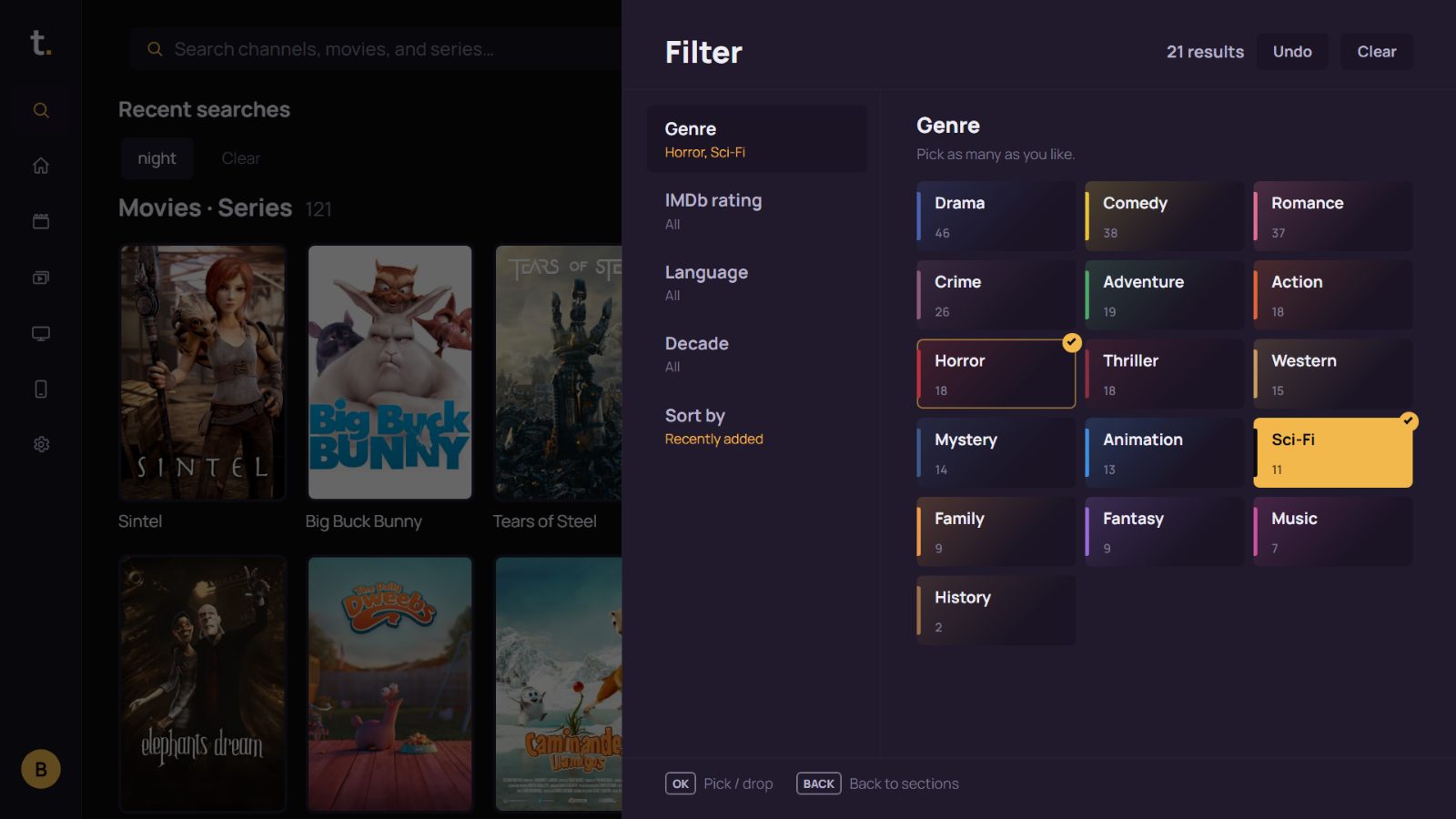
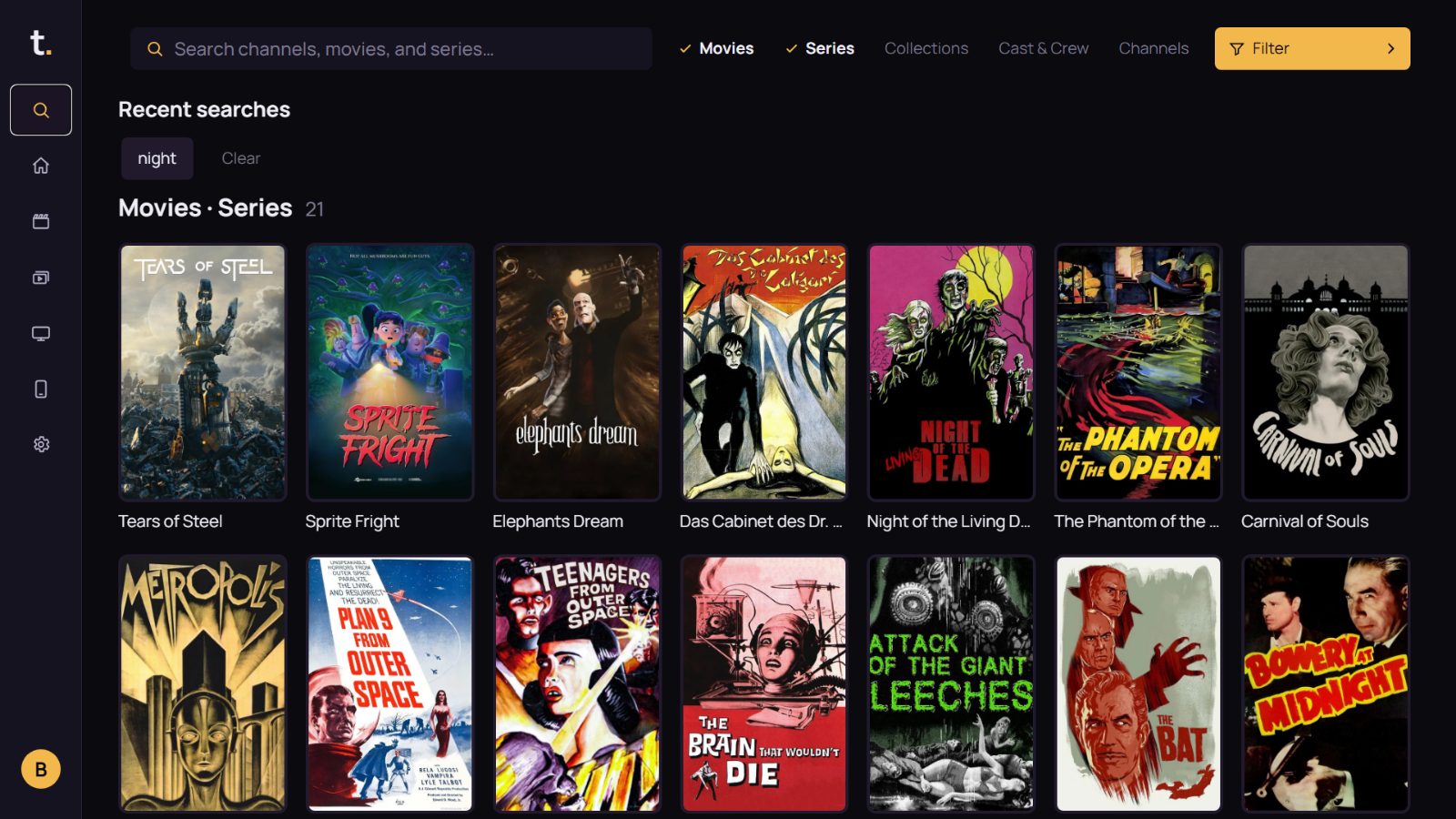
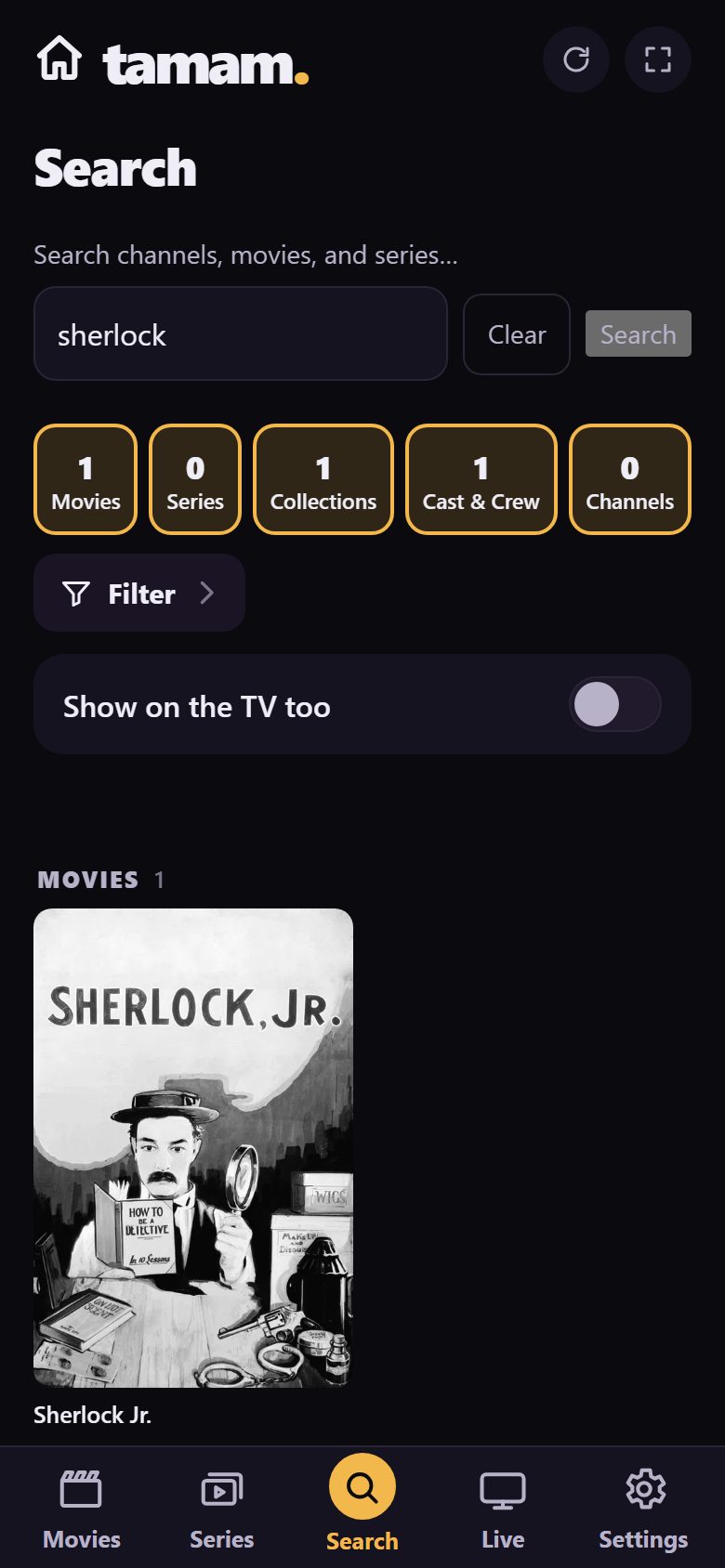
Films, series, actors and channels are searched in one box. Not sure what to watch tonight? Filter by genre, rating, language and era; every option shows how many films it holds.
Start typing. Results are split into films, series, people and channels. You can type on your phone’s keyboard if you like.
Pairs.
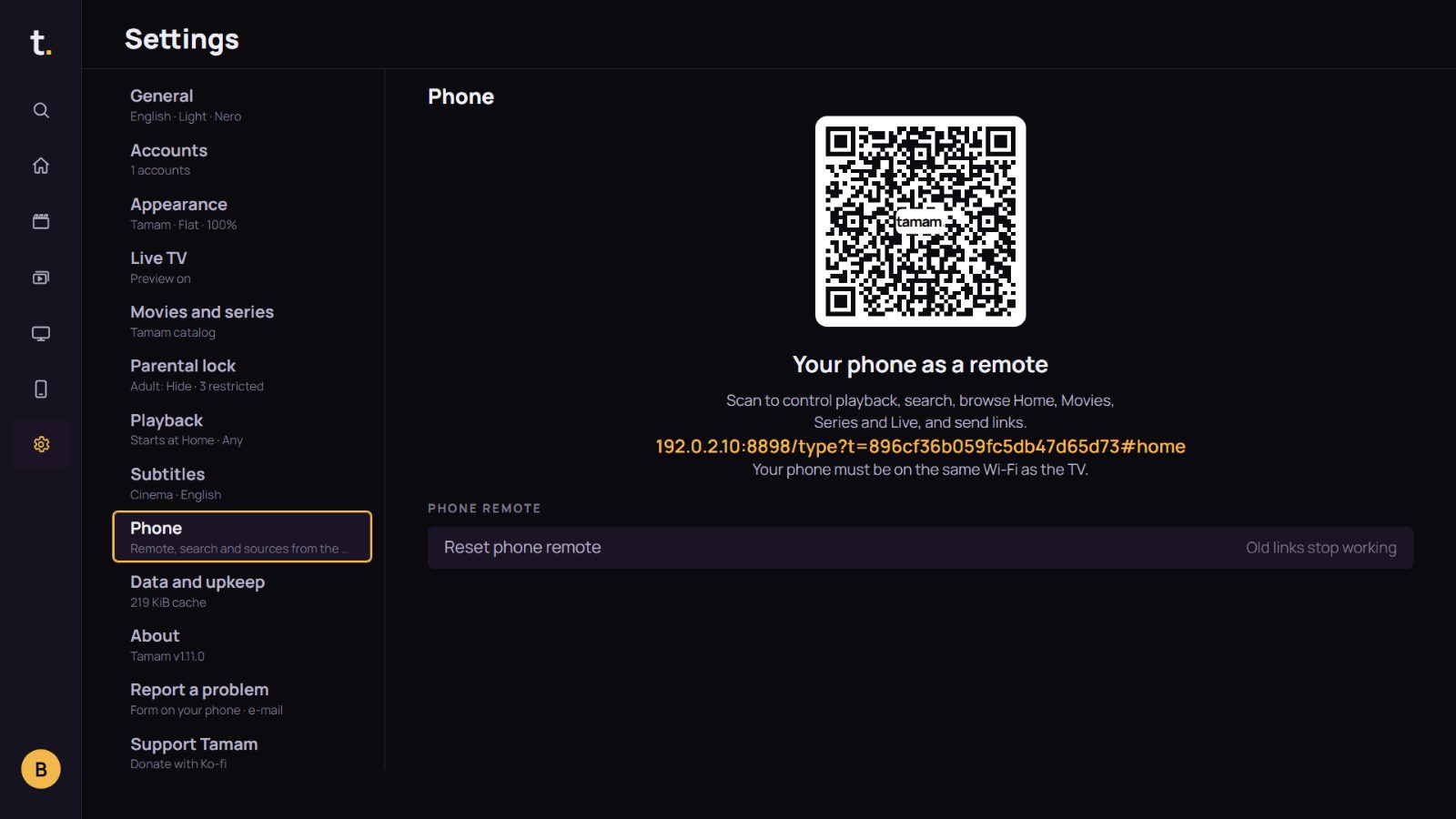
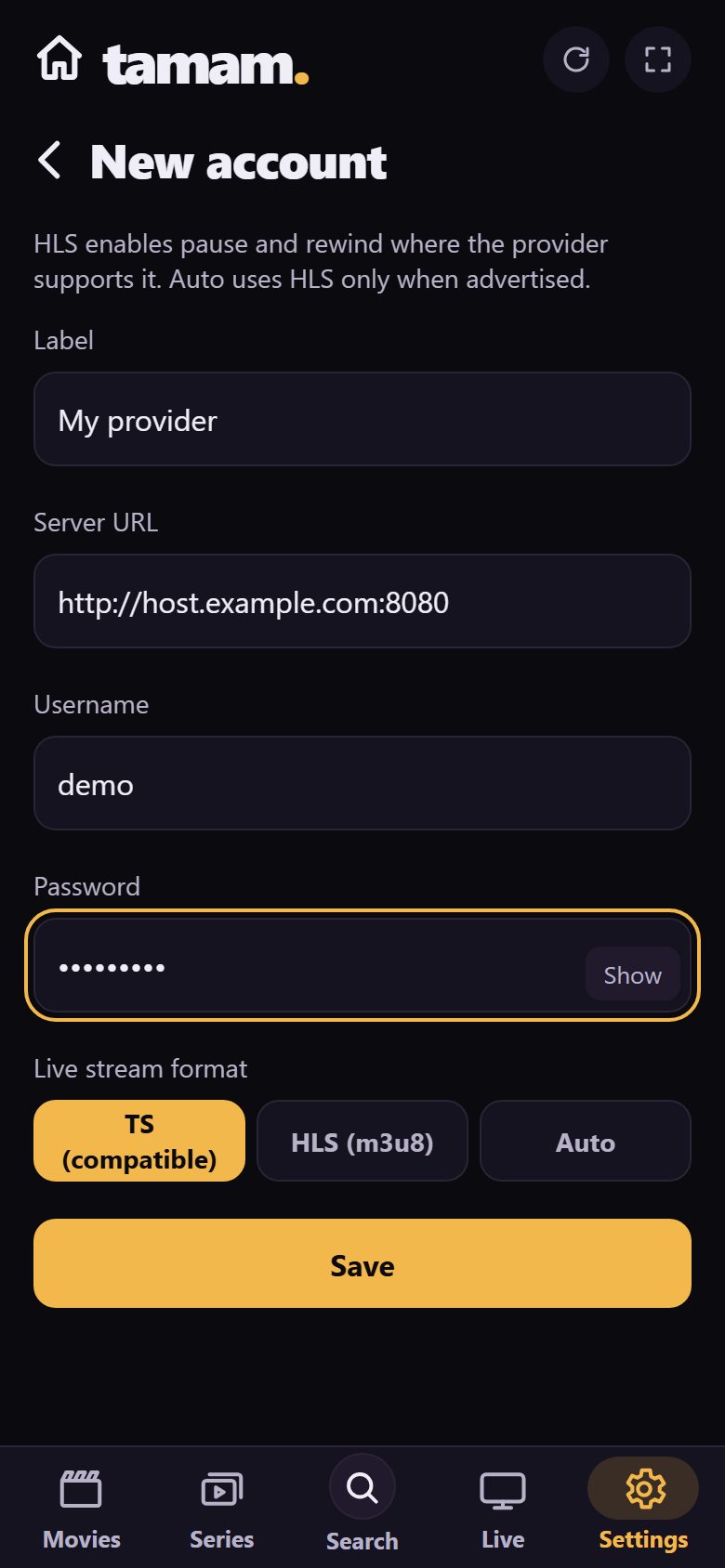
Your phone becomes the remote. Scan the TV’s code once; then search with its keyboard, browse the catalogue in your hand and add your list from there.
One code, once. Scan the code in Settings with your phone’s camera. No app to install; the phone and the TV only need the same Wi-Fi.
Translates.
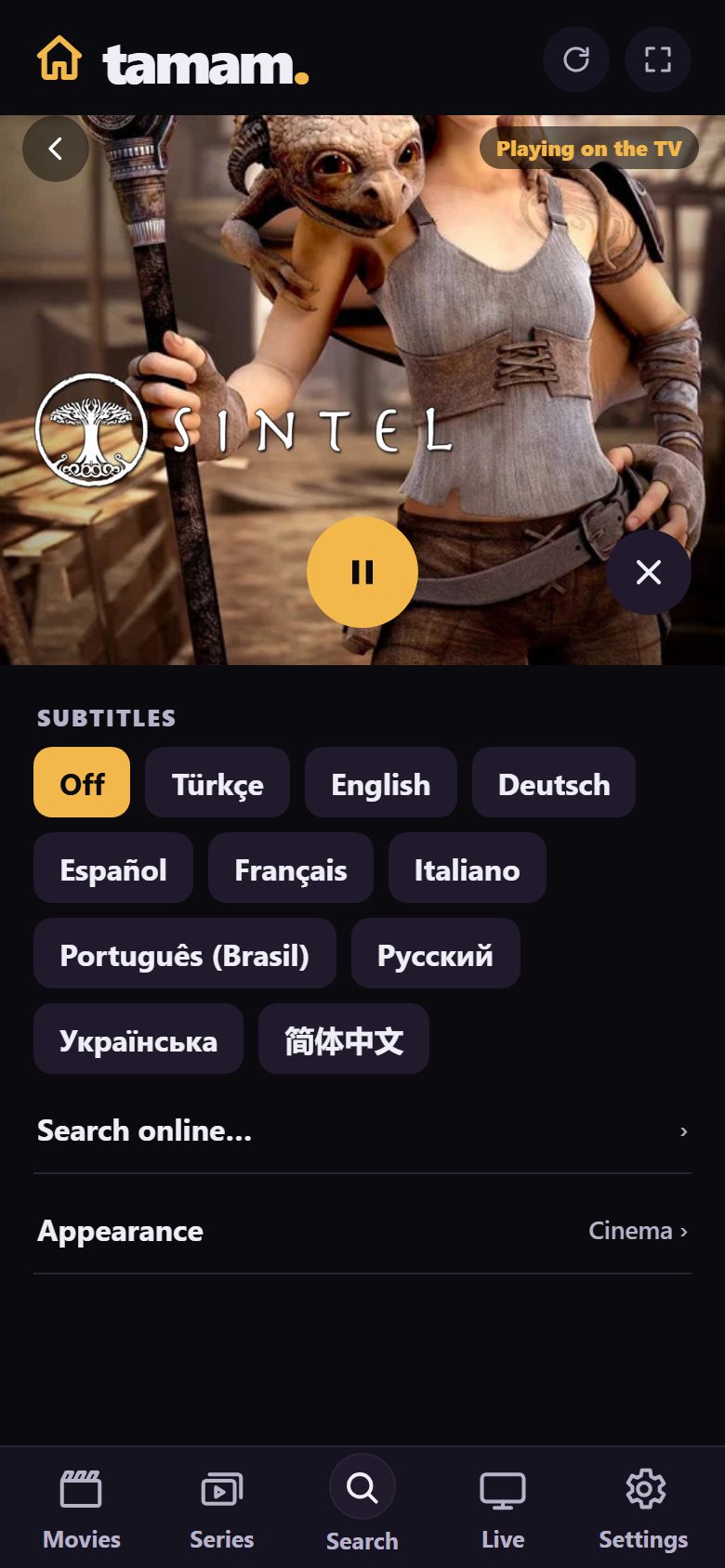
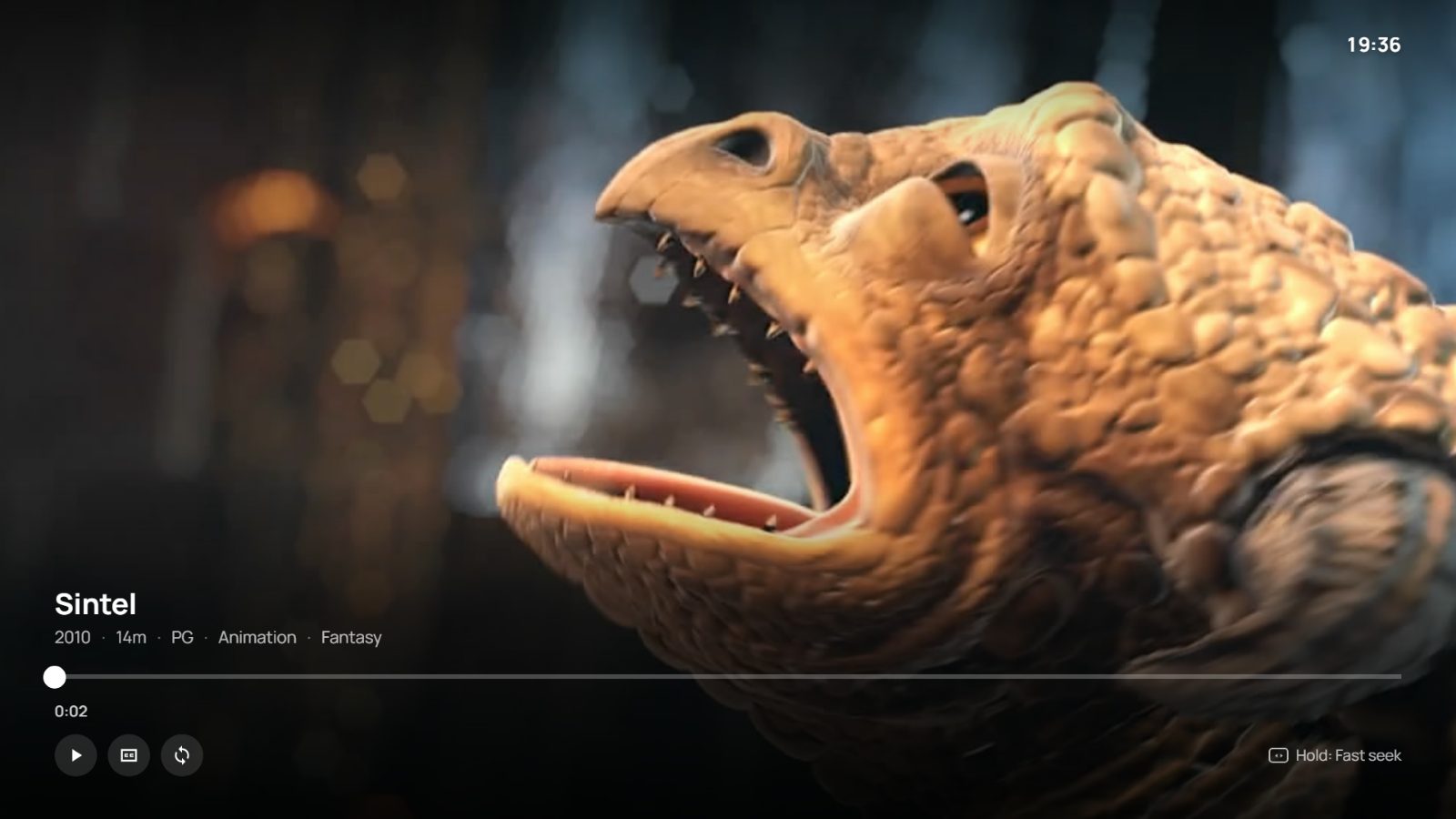
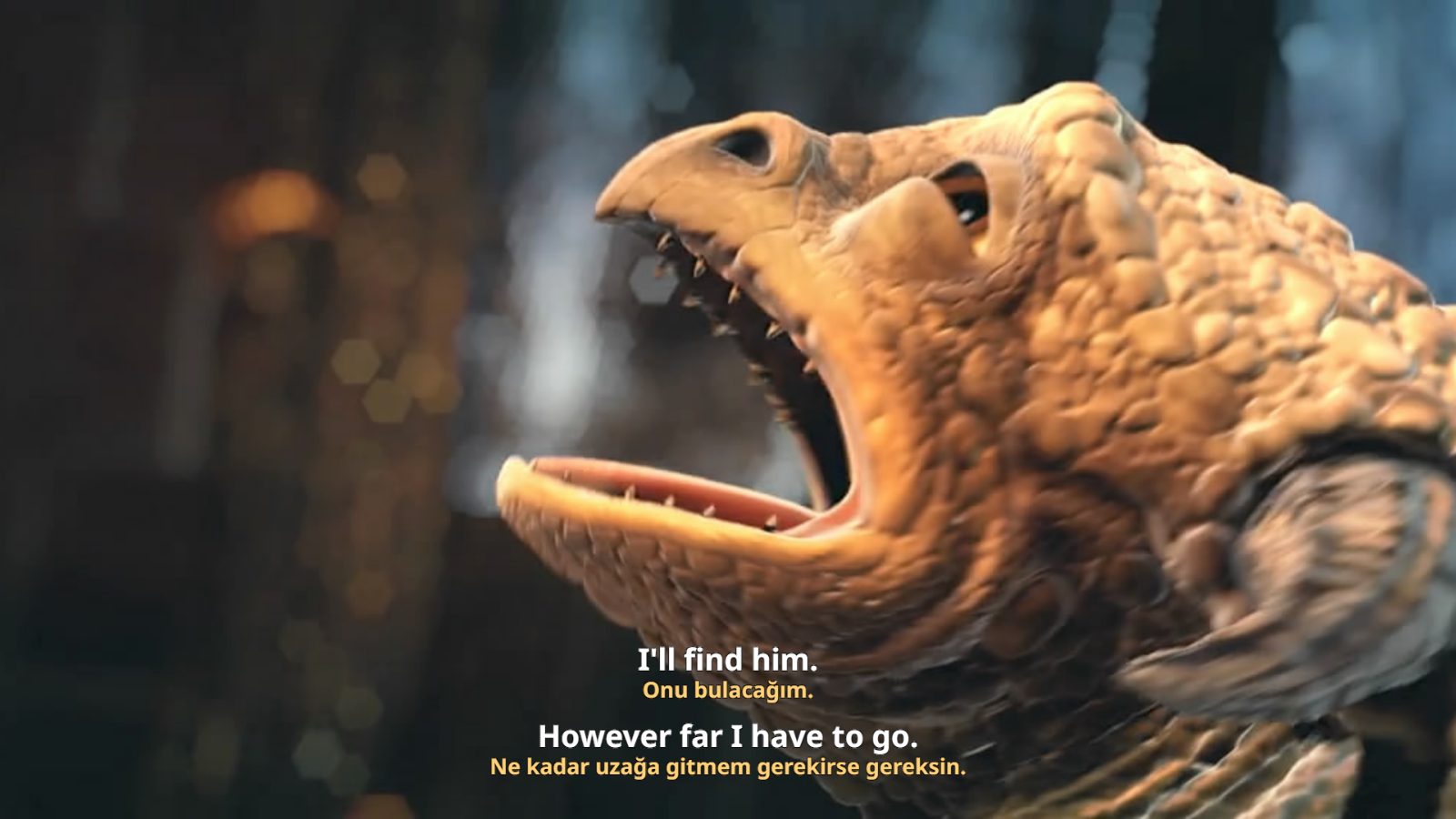
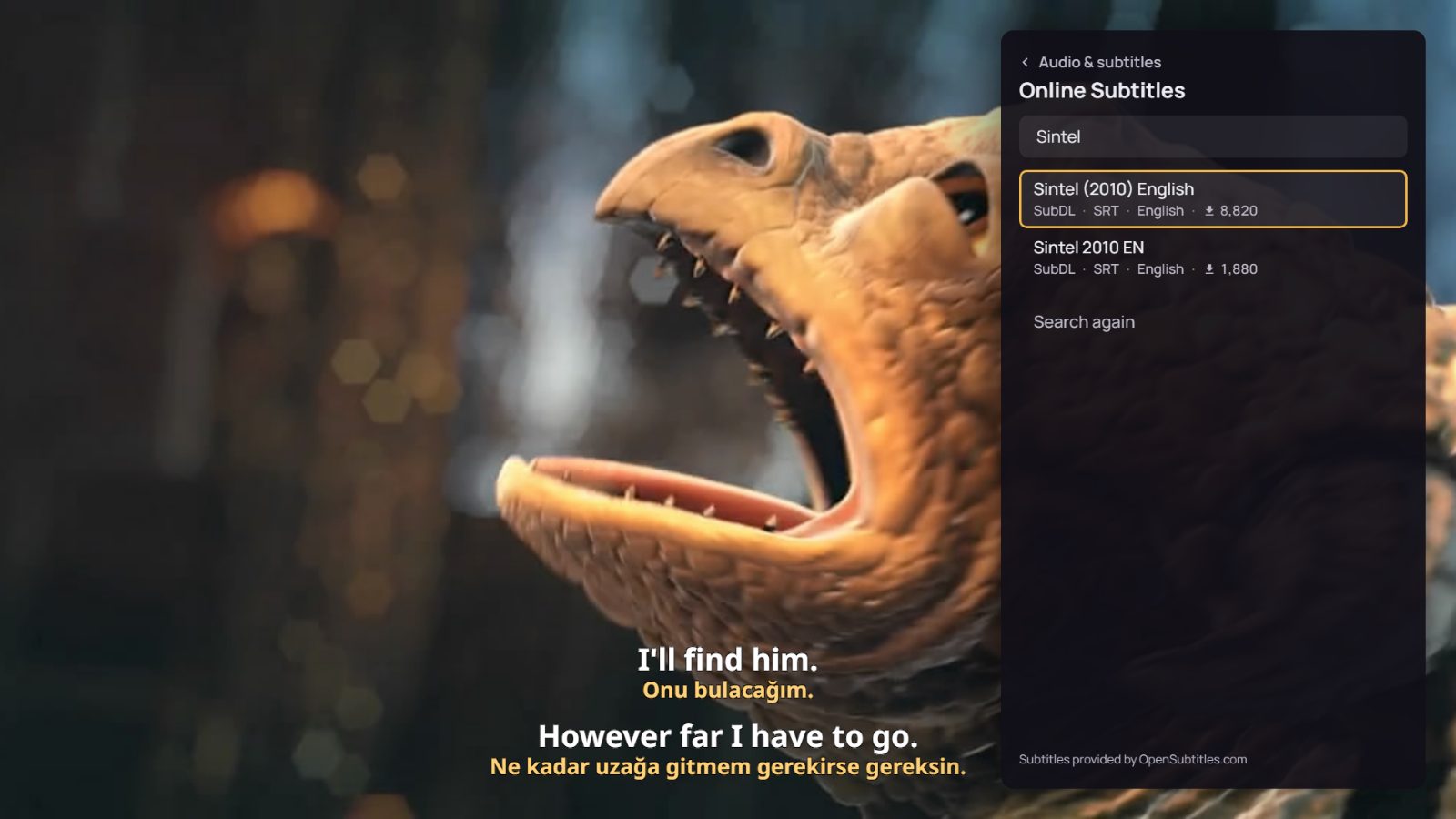
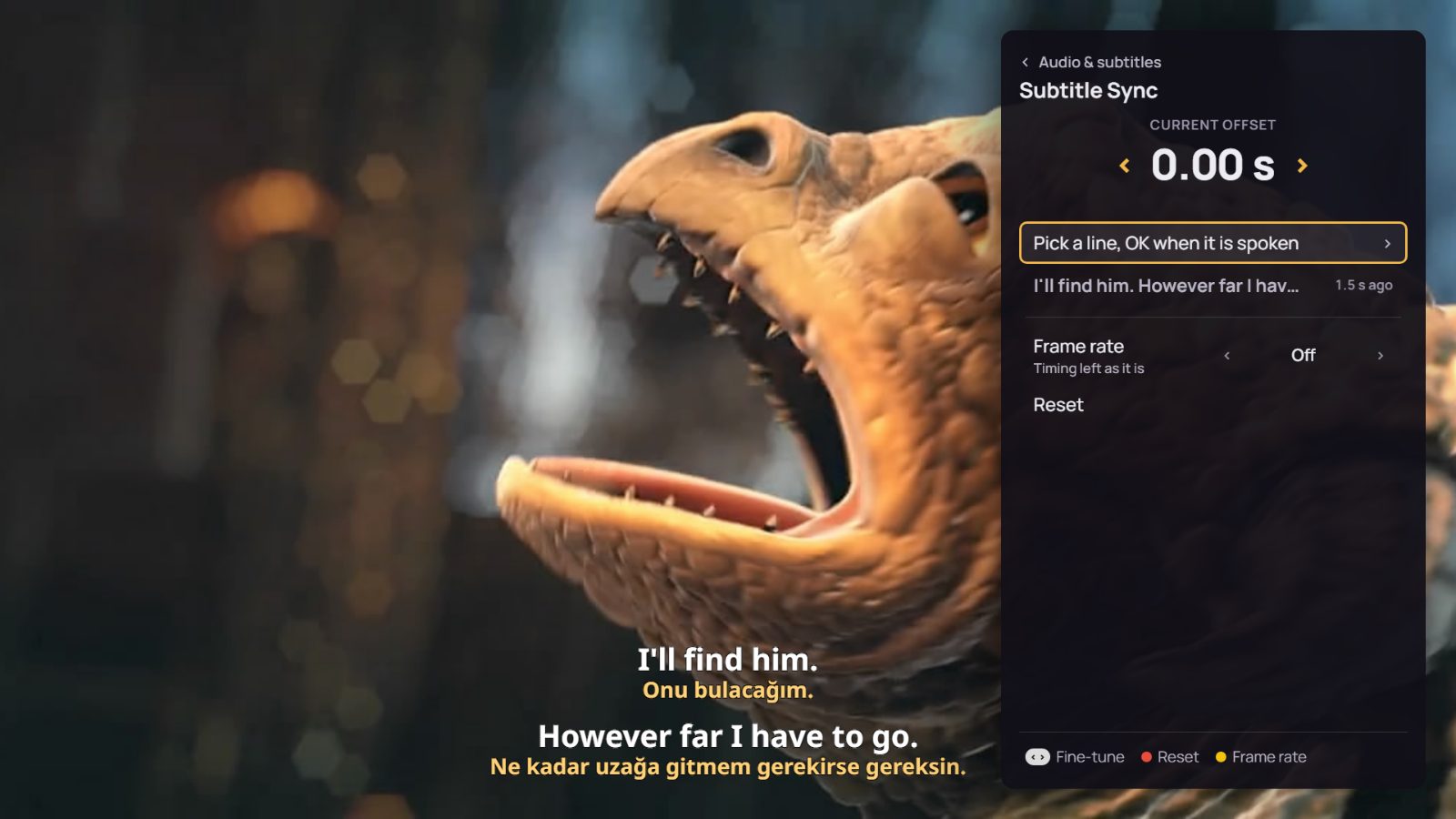
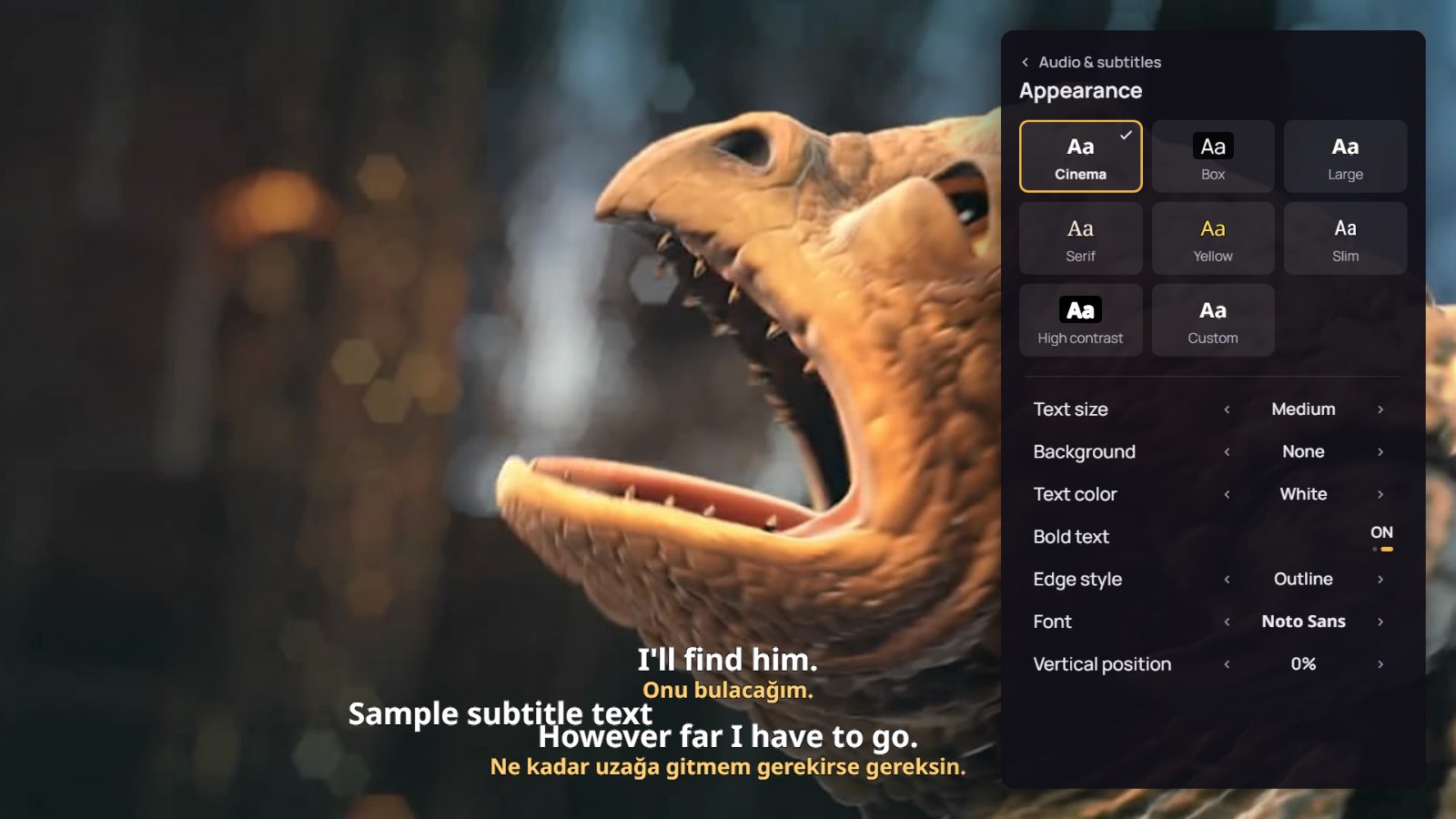
Show subtitles in two languages, one under the other. If a film has none, Tamam finds them online; if they’re out of sync, press OK on the line you just heard.
The film has started. Audio and subtitle settings sit on one button.
Arranges.
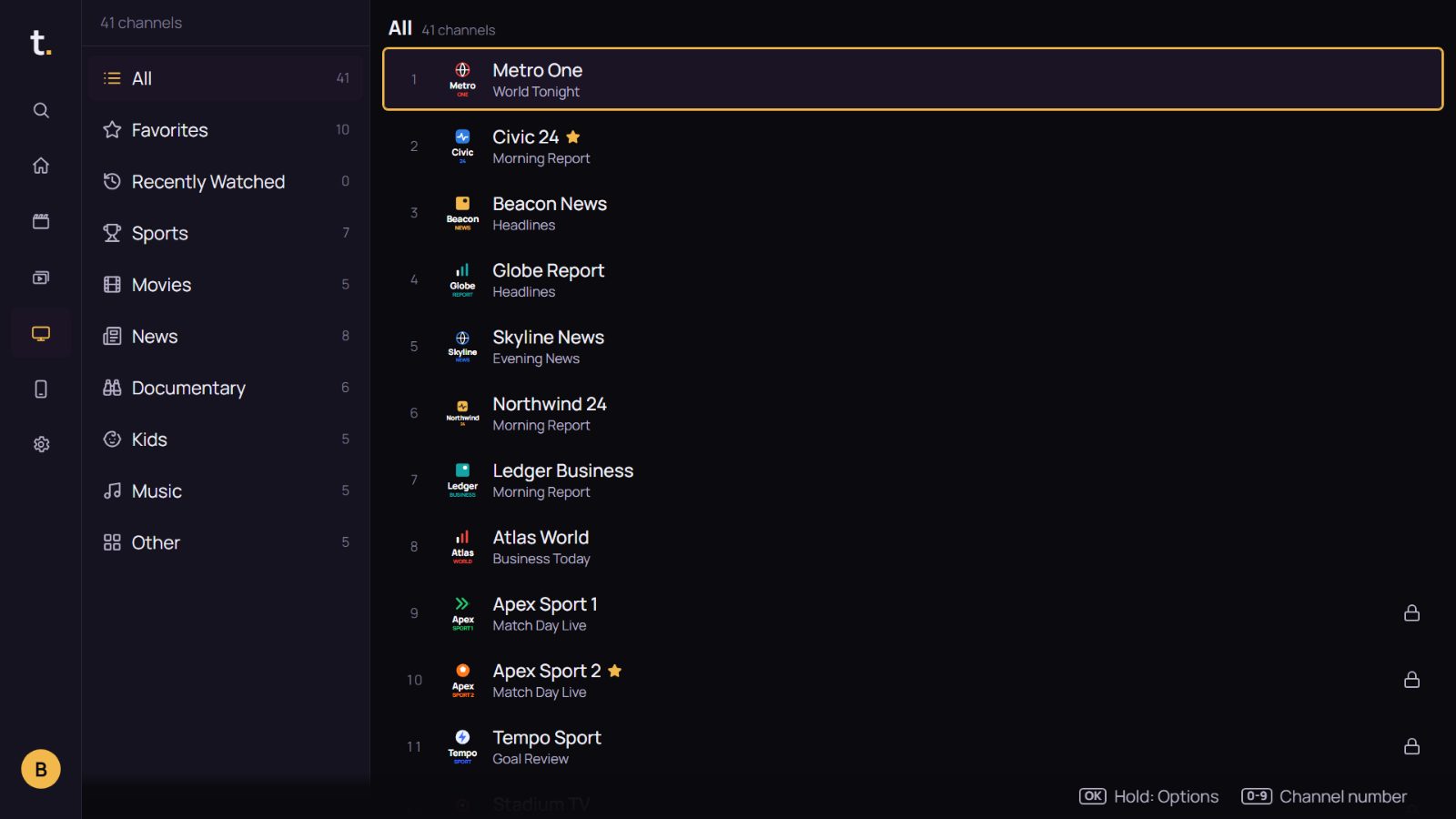
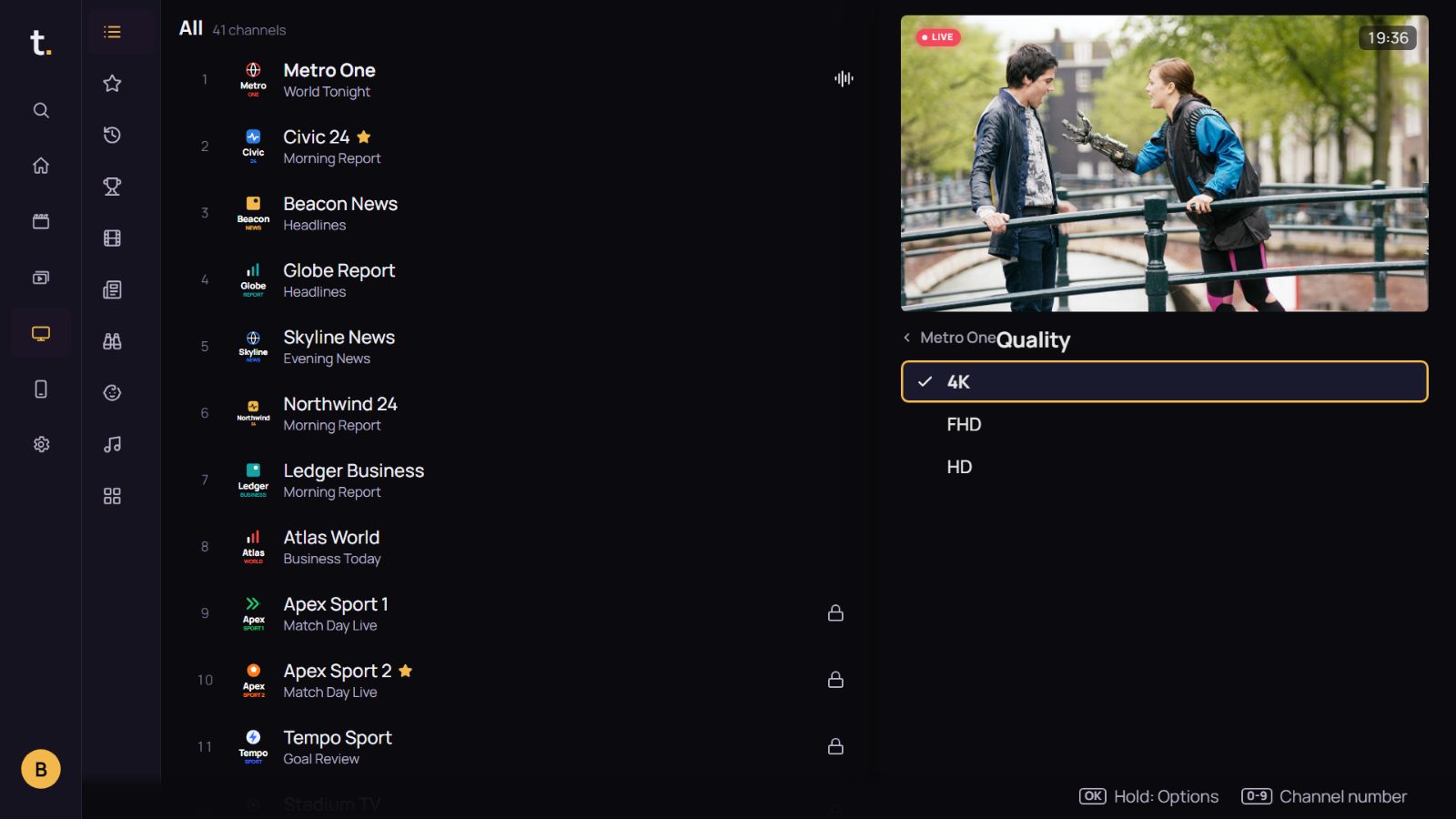
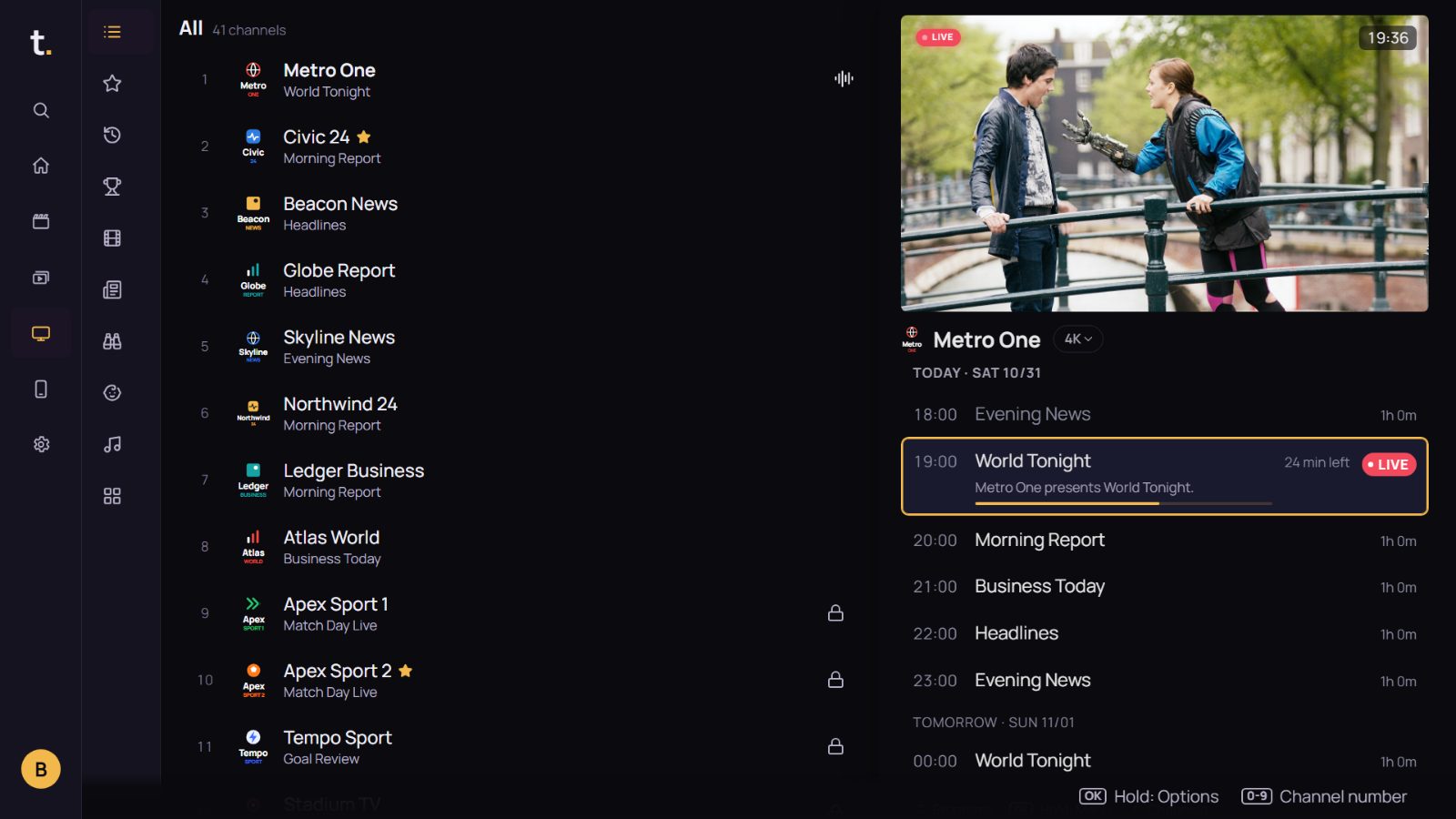
Channels are gathered by topic: news, sport, documentary, kids. The 4K, FHD and HD feeds of one channel merge into one row, with its programme guide right beside it.
Channels find their place too. Whatever your provider calls its groups, channels are gathered by topic: news, sport, documentary, kids, music.
Carries.
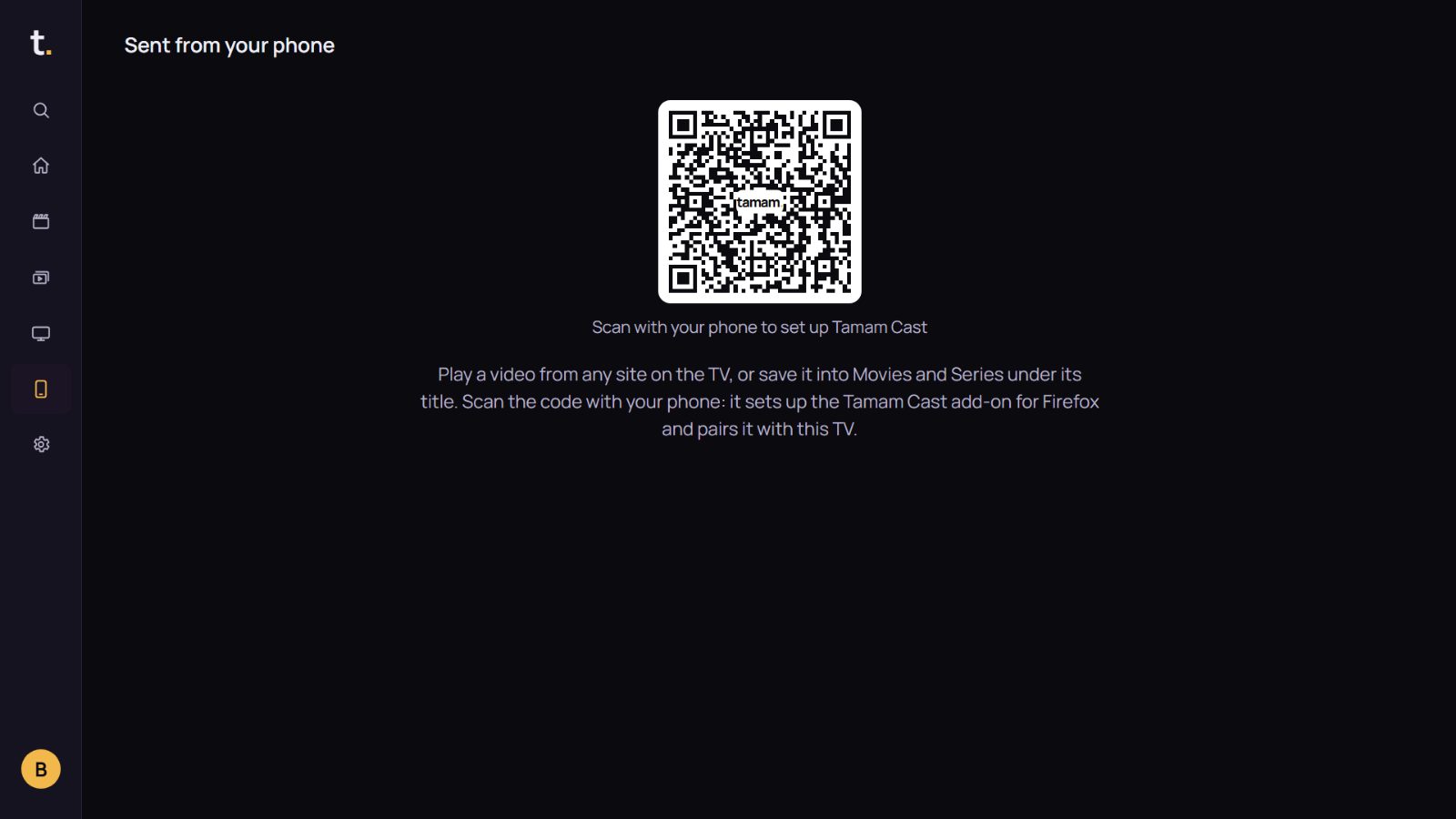
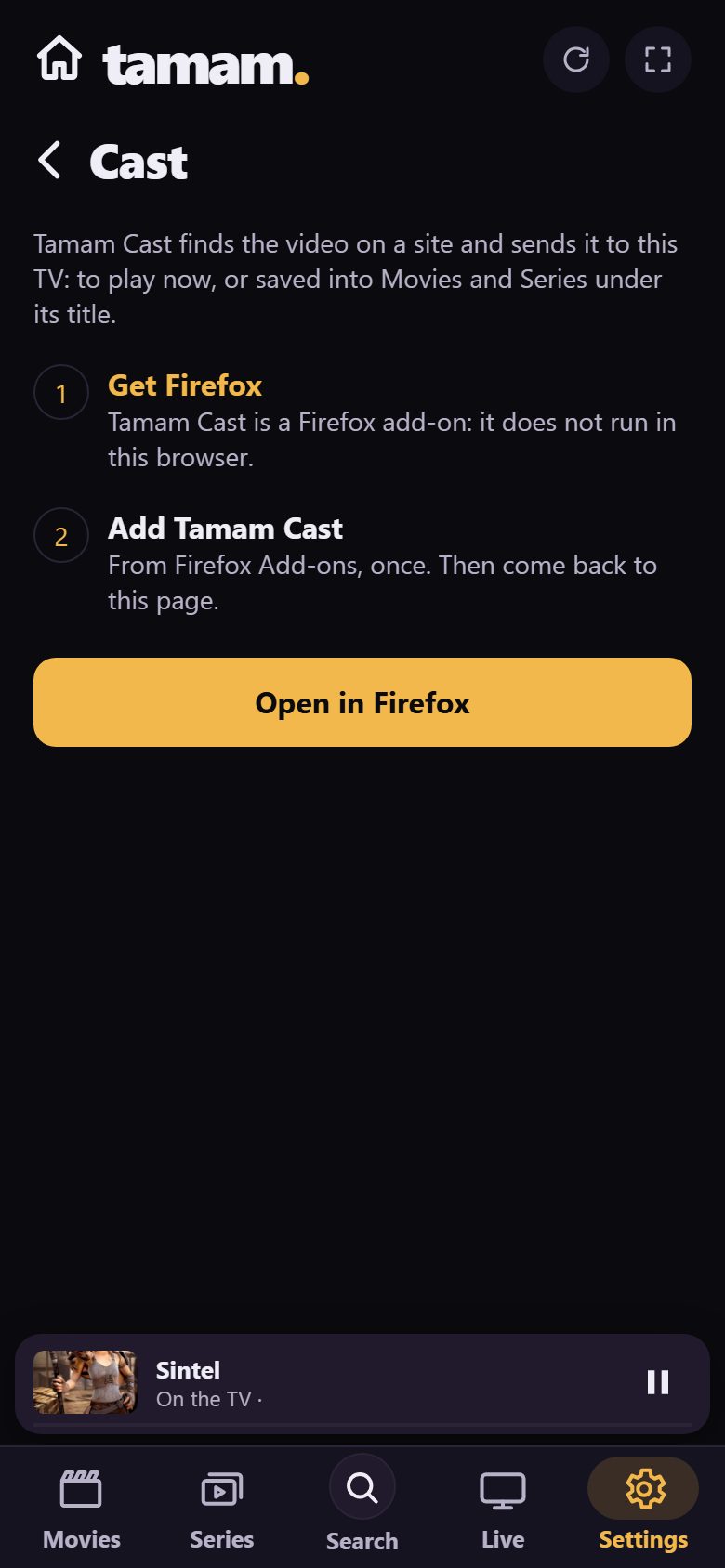
Found a video on a website on your phone? It goes to the TV and plays, or is saved under the right title. With the Tamam Cast add-on for Firefox.
Pair it once. Scan the code on the TV’s Cast screen: the add-on installs and pairs with this TV.
Protects.
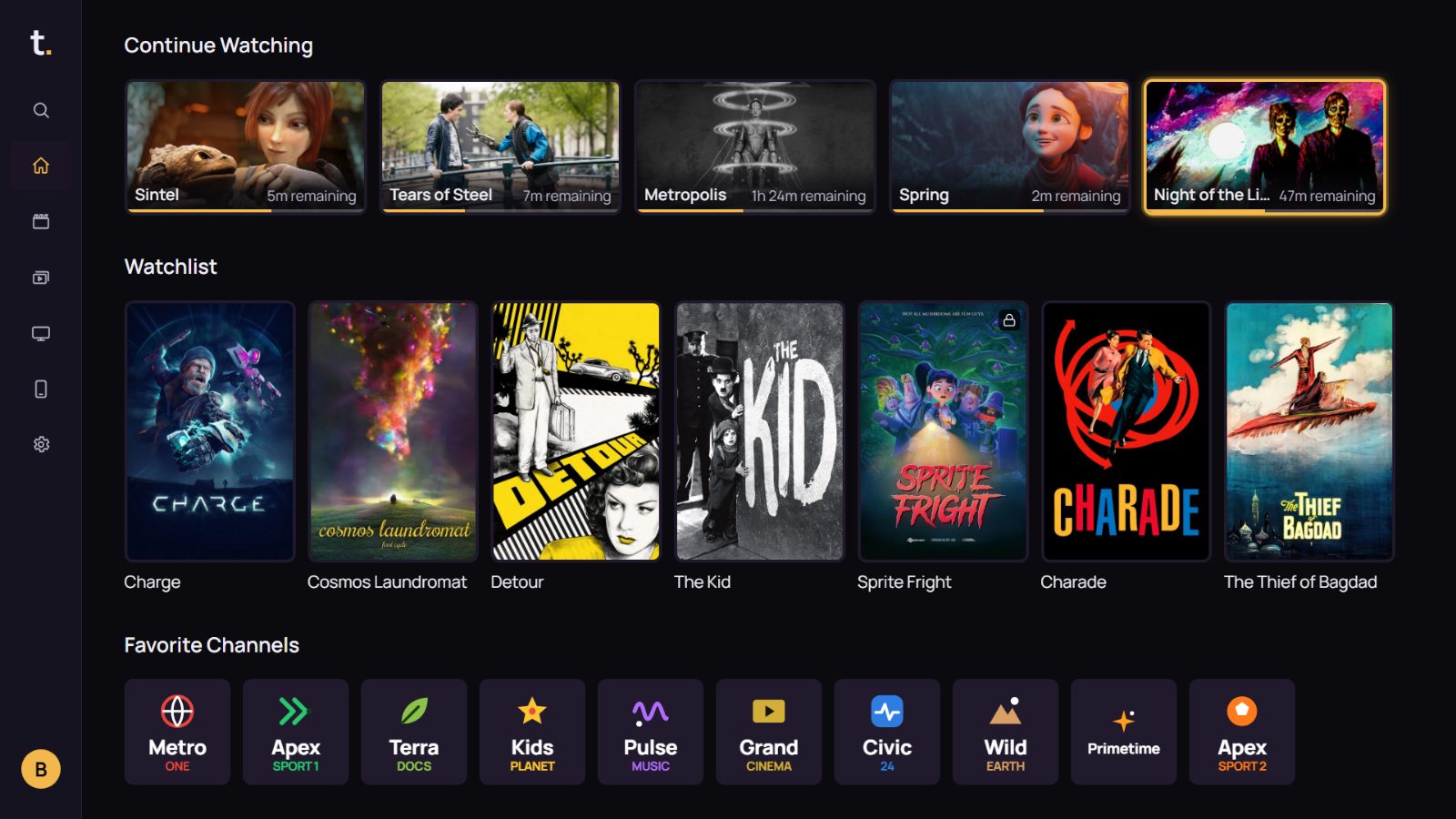
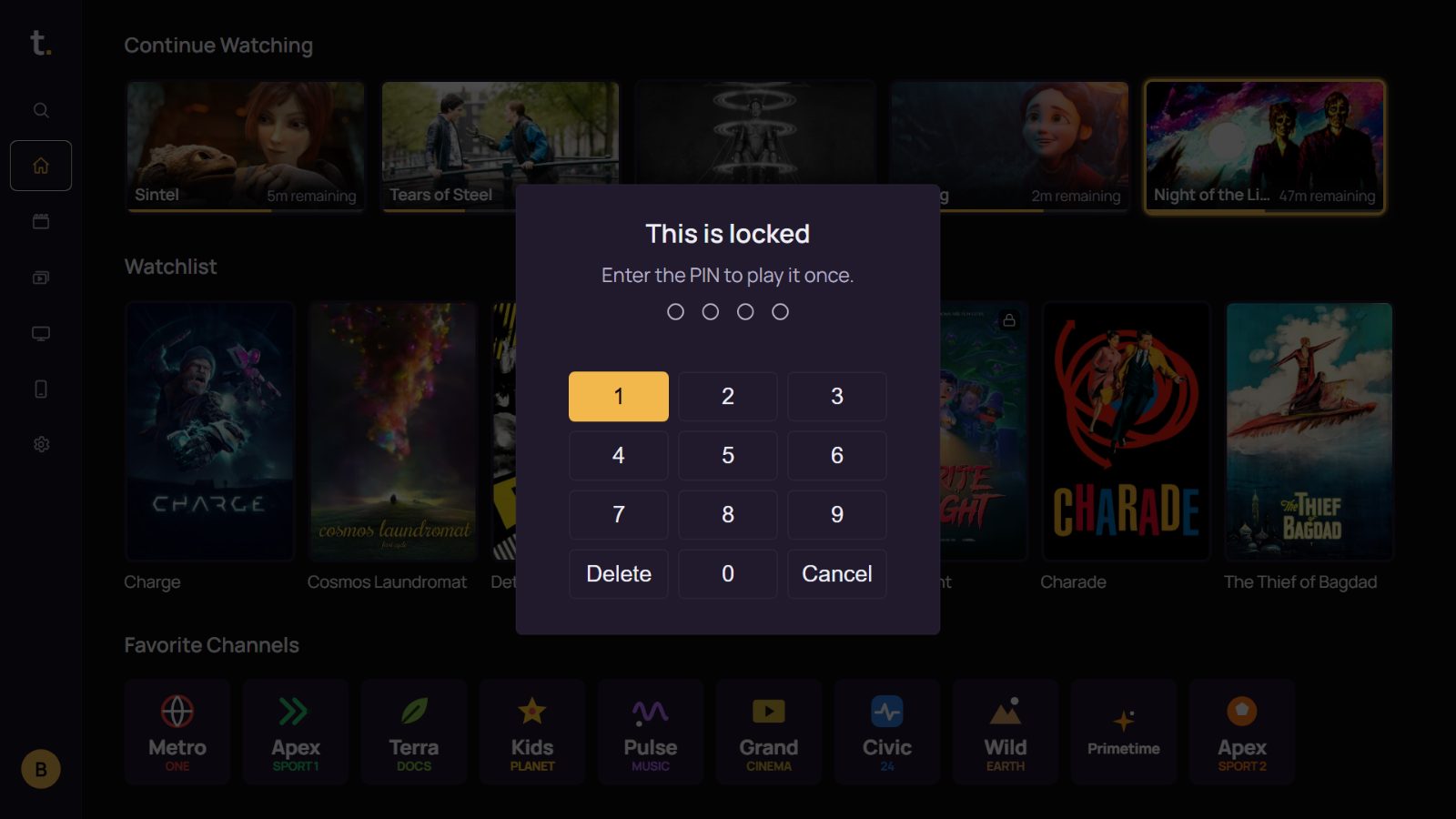
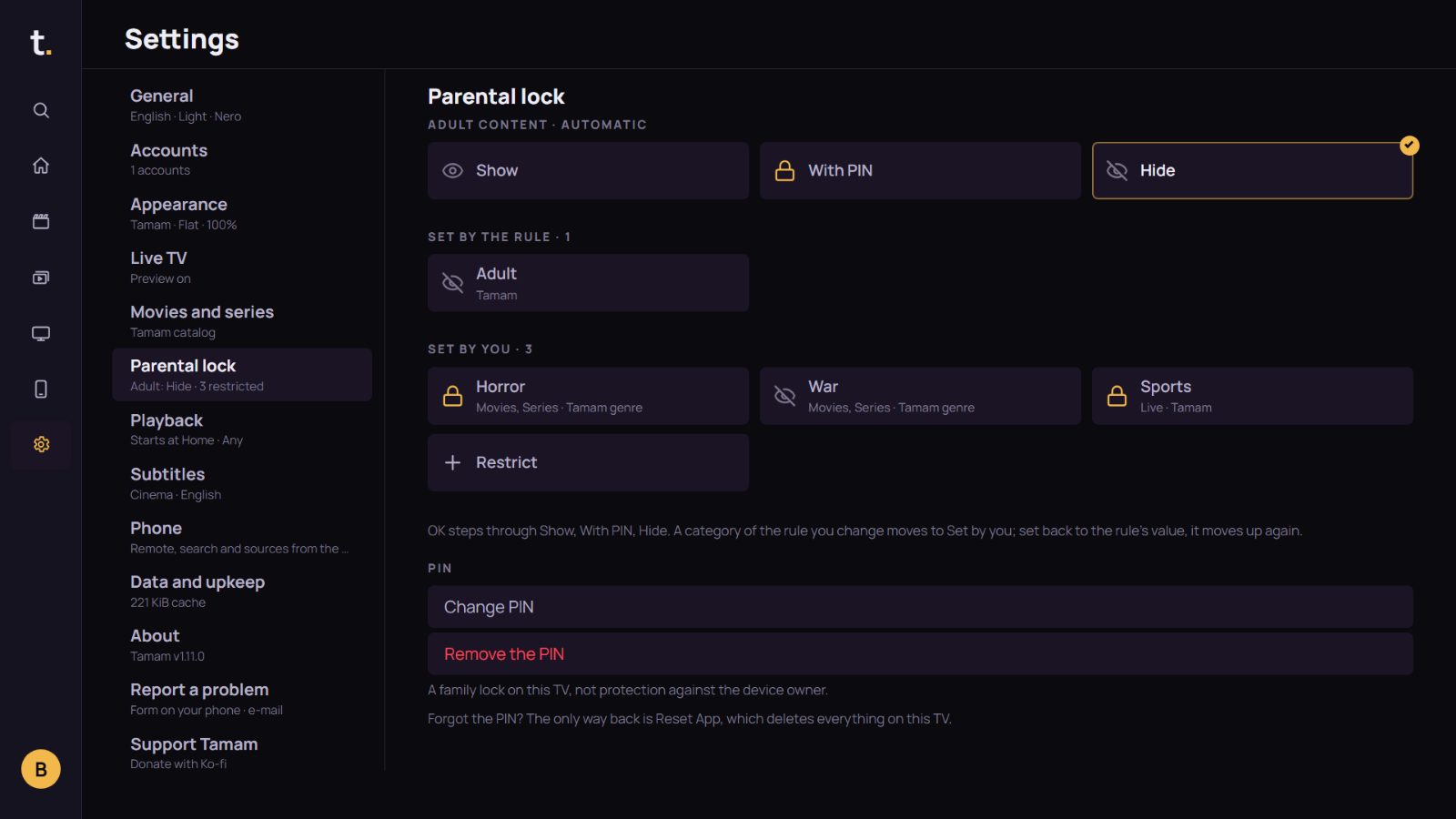
Locked genres and channels stay in the list with a small padlock, and ask for a PIN before they open. Three choices for every group: show, PIN, or hide.
Not everything is for everyone. Genres and channels that need a PIN stay in the list, marked with a small padlock.
Takes colour.
This page’s colours are Tamam’s own themes, most of them from Sanzo Wada’s colour combinations. Pick one and the page changes to it.
Sienna
And more.
- Catch-upIf your provider supports it, pause live TV, rewind, watch what you missed.
- HDR and DolbyThe stream goes to the TV’s own player; HDR10, Dolby Vision and Atmos are kept.
- Several accountsSwitch between lists and accounts with one key.
- Magic RemoteArrow keys or the pointer; both work on every screen.
- 10 languagesTurkish, English, German and 7 more. It follows the TV’s language by default.
It doesn’t provide content. It plays yours.
- 0ads
- 0accounts
- 0tracking or cookies
- 0channels sold
No ads, no subscription. One developer writes Tamam. Tamam lives on donations. If it’s useful to you, you can chip in.
Support on Ko-fi